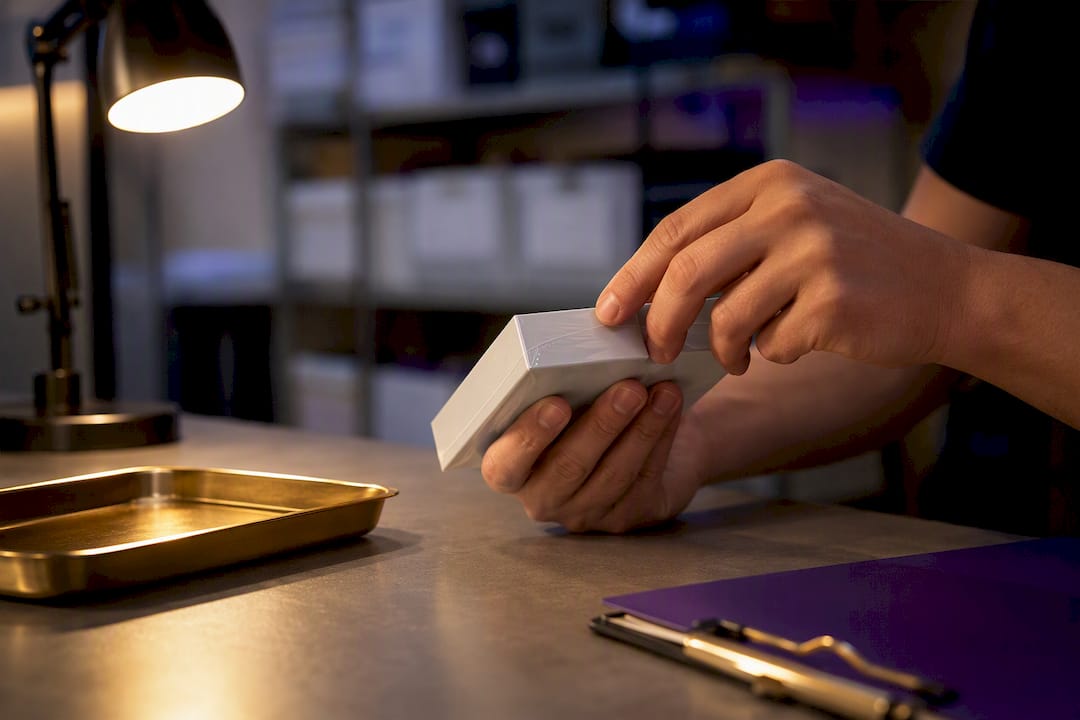
Dexcom G6 sensors come three to a box, and that single carton covers a full 30-day supply. Dexcom G7 works differently: it ships mostly as single-sensor boxes, so a 30-day supply means three boxes for the 10-day sensor or two boxes for the 15-day version. Retailers sometimes sell G7 in 3-packs or starter kits, so always check the label before you assume what you’re getting.
TL;DR:
- A 30-day supply of G7 sensors requires two boxes of 15-day sensors or three boxes of 10-day sensors, depending on the wear time.
- Prescriptions are tied to specific product codes and quantity fills, so always specify your sensor model and verify box counts with your pharmacy.
- Actual sensor count is printed on each box label, and buying from retailers may involve different packaging than listed, so check labels carefully.
- Buying single-sensor G7 boxes can be more costly per unit than purchasing bulk three-packs of G6, affecting your monthly budget.
- Unused sealed sensors often remain valuable; consider selling or donating them, especially since packaging changes make surplus more common.
Table of Contents
- Dexcom Sensors Per Box: G6 vs. G7 Packaging
- How Prescriptions Turn Into Boxes: Quantity Fill Explained
- Reading the Box: How to Confirm Your Sensor Count
- Budgeting for Your Monthly Sensor Supply
- What To Do With Extra Sealed Sensors
- Sell Your Unused Dexcom Sensors for Same-Day Cash
- What Extra Sensors Are Really Worth
- Sources
Dexcom Sensors Per Box: G6 vs. G7 Packaging
Dexcom’s two current CGM systems package their sensors very differently, and that difference trips up a lot of people switching between them.
Dexcom G6 sensors are sold in a 3-sensor carton. Each individual sensor lasts 10 days, so one box of three sensors gets you close to a full month of wear. Pharmacies process it this way too. Dexcom’s own guidance confirms G6 is commonly filled as a three-pack treated as a single 30-day supply. If your G6 box doesn’t say “3-pack” or list three sensors on the label, you’re not looking at the standard retail carton.
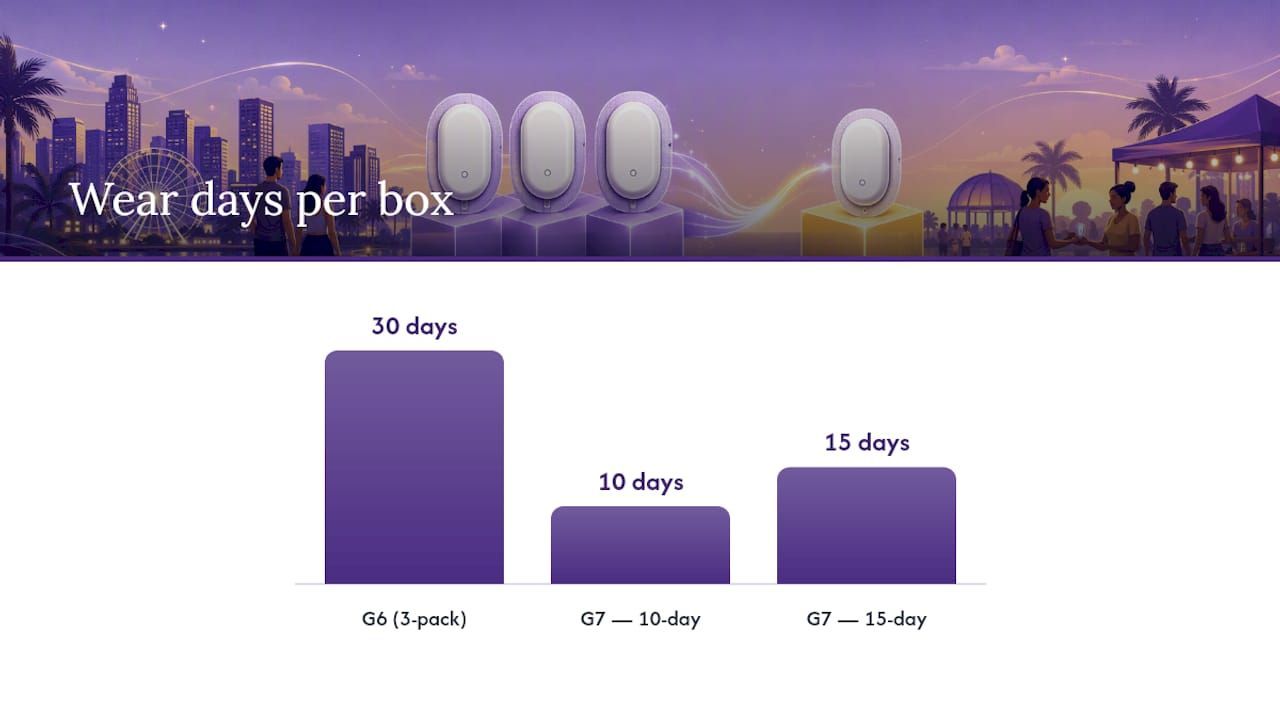
Dexcom G7 flips that model. The primary packaging is a single-sensor box. That’s the biggest source of confusion for people used to G6’s multi-pack format, and it’s a direct result of a packaging shift that changed how prescribers write quantity fills across the board.
A few things determine how many boxes you actually need:
- G7 10-day sensors: wear time is 10 days, so a 30-day supply requires 3 boxes.
- G7 15-day sensors: wear time is 15 days, so a 30-day supply requires only 2 boxes.
- Starter kits: some G7 kits bundle a sensor with a receiver or transmitter setup, which can mean fewer loose sensors per kit than a standard refill box.
- Retailer 3-packs: certain sellers box G7 sensors in multiples, so a “3-pack” listing online doesn’t always mean three separate single-sensor boxes.
If you’re buying online rather than through a pharmacy, read the product title carefully. “G7 15-Day, 1 sensor” and “G7 15-Day, 3-pack” are two very different purchases at very different price points.
How Prescriptions Turn Into Boxes: Quantity Fill Explained
Your prescriber doesn’t just write “Dexcom sensors” and let the pharmacy guess. They enter a specific quantity tied to a specific product code, and that number determines exactly how many boxes show up on your pharmacy counter.
Pro Tip: Bring your sensor’s exact model name (G6, G7 10-Day, or G7 15-Day) to every pharmacy conversation. “Dexcom” alone isn’t specific enough for a correct fill.
Here’s how a standard 30-day fill typically breaks down:
- G7 10-day sensor: prescribers write for 3 boxes, matching Dexcom’s official prescribing guidance for a full month.
- G7 15-day sensor: the fill drops to 2 boxes per month, per Dexcom’s pharmacist toolkit.
- G6 sensor: the fill is 1 three-pack carton, covering the same 30-day window in a single box.
Prescribers and pharmacies confirm these quantities using HCPCS codes (A4239 covers certain G7 supplies) alongside product-specific NDC or NRC numbers. If your insurer flags a fill as incorrect, mismatched codes are usually the culprit rather than an actual eligibility problem.
Quick check: Ask your pharmacist to confirm the sensor model and box count out loud before you leave. A 15-day sensor filled at a 10-day quantity (or vice versa) will either leave you short mid-month or hand you an extra box you didn’t need. Learn more about how diabetes supply prescriptions get processed for CGM refills generally.
Reading the Box: How to Confirm Your Sensor Count
You don’t have to trust a listing title. The actual sensor count is printed right on the packaging, and it’s worth checking every time you buy or receive a refill.
Every Dexcom box carries a label showing the National Drug Code (NDC) or a similar reference number, plus a plain-language statement like “contains 1 sensor” or “contains 3 sensors.” The manufacturer insert inside repeats this. Kit boxes that include a receiver or transmitter list those components separately from the sensor count, so read the full description rather than assuming a “kit” means more sensors.
- Check the front panel for sensor count before opening the box.
- Compare the NDC on the label to what your pharmacy receipt or online order confirms.
- If buying from a retailer rather than a pharmacy, message the seller directly to confirm whether it’s a single box or multi-pack SKU.
Pro Tip: Photograph the box label and NDC number when a sensor arrives. If a future order looks different, you’ll have something concrete to compare it against.
Budgeting for Your Monthly Sensor Supply
Packaging format changes your math, not just your convenience. A single-sensor G7 box often carries a higher per-unit price tag than buying in bulk, so pricing references worth checking vary by retailer, insurance coverage, and whether a discount card applies.
A few practical habits keep your supply steady without wasting money:
- Time your refill request to your insurer’s fill window. Requesting too early can trigger a denial; too late risks running out mid-cycle.
- Order one extra sensor’s worth of buffer when your budget allows. Real-world wear time doesn’t always hit the full advertised 10 or 15 days, since adhesion issues occasionally cut a sensor short before its label expiration.
- Store unopened boxes at room temperature, away from direct sunlight, and check the printed expiration date before each use.
- Keep sealed boxes sealed until you’re ready to wear that sensor. Opened packaging is far harder to sell or return if your prescription changes.
What To Do With Extra Sealed Sensors
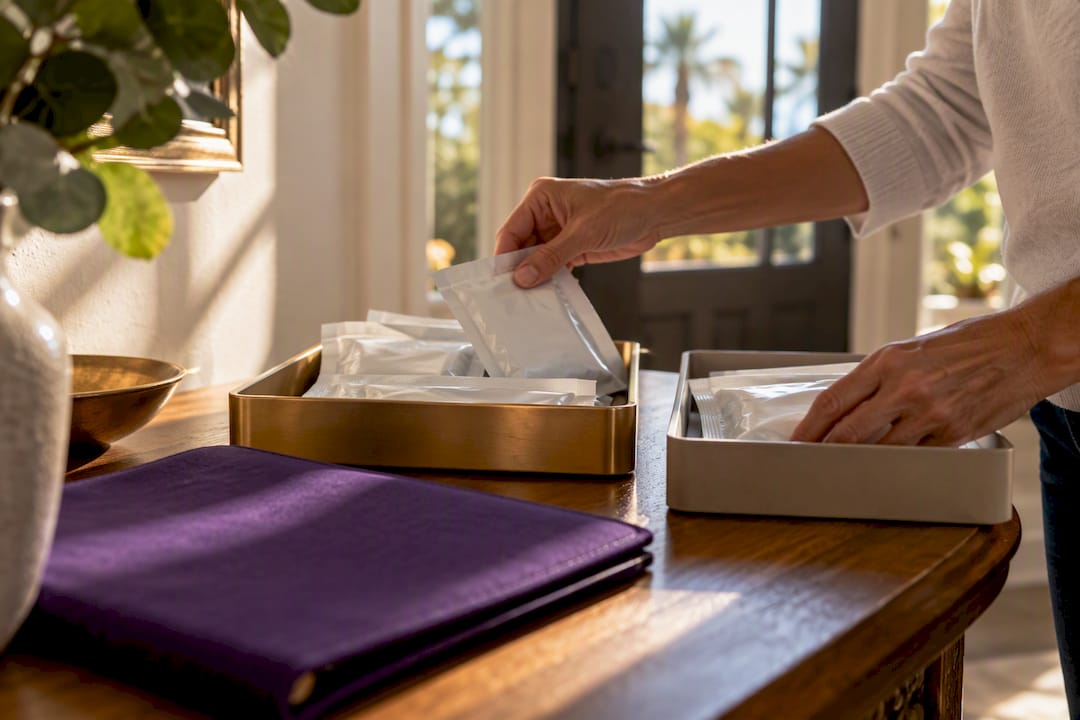
Extra sealed sensors pile up more often than people expect. A doctor switches your prescribed wear time from 10-day to 15-day sensors. Your insurance changes your covered device model. Or you got a starter kit with sensors you never opened before switching to a different CGM entirely. None of that is unusual, and none of it means those boxes have to sit in a drawer.
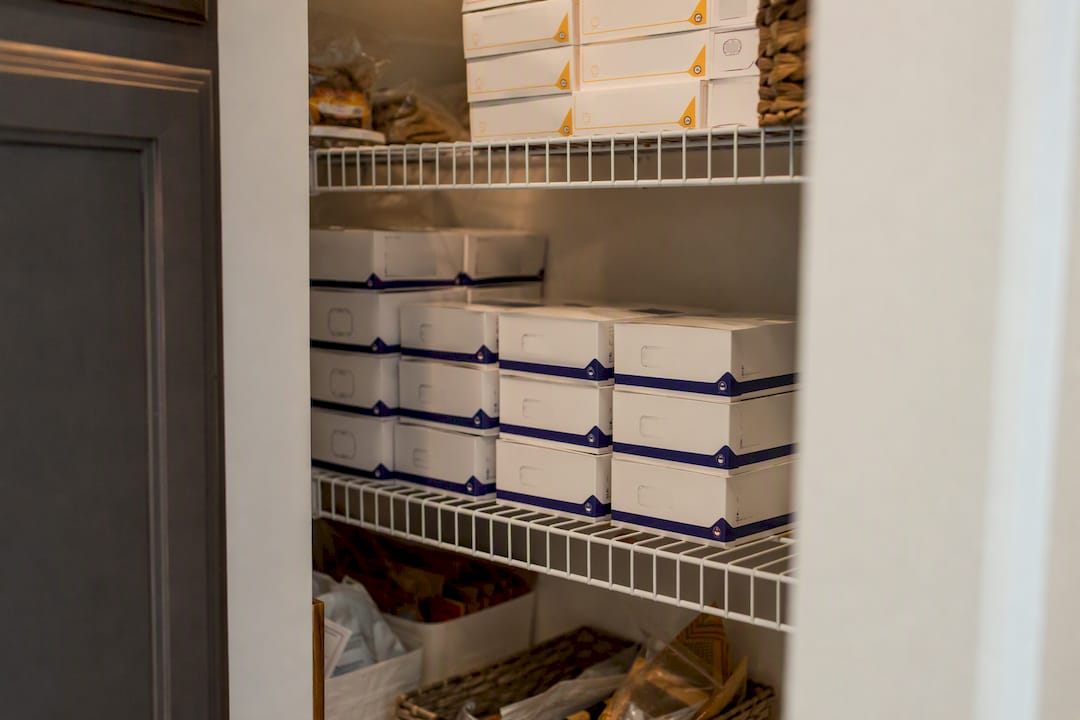
Orlando Diabetic Supplies Buyback purchases sealed, unexpired Dexcom G6 and G7 sensors directly from people in the Orlando area, along with other unused diabetic supplies. The process is straightforward: bring in your boxes, we inspect the seal and check the expiration date, and you get paid on the spot if everything checks out. There’s no shipping, no waiting on a mail-in check, and no guessing about whether your leftover sensors have any value. Read more about selling Dexcom G7 sensors and what qualifies before you make the trip.
Sell Your Unused Dexcom Sensors for Same-Day Cash
Orlando Diabetic Supplies Buyback puts cash in your hand the same day, without the hassle of listing sensors online, waiting for a buyer, or shipping fragile medical boxes across the country.
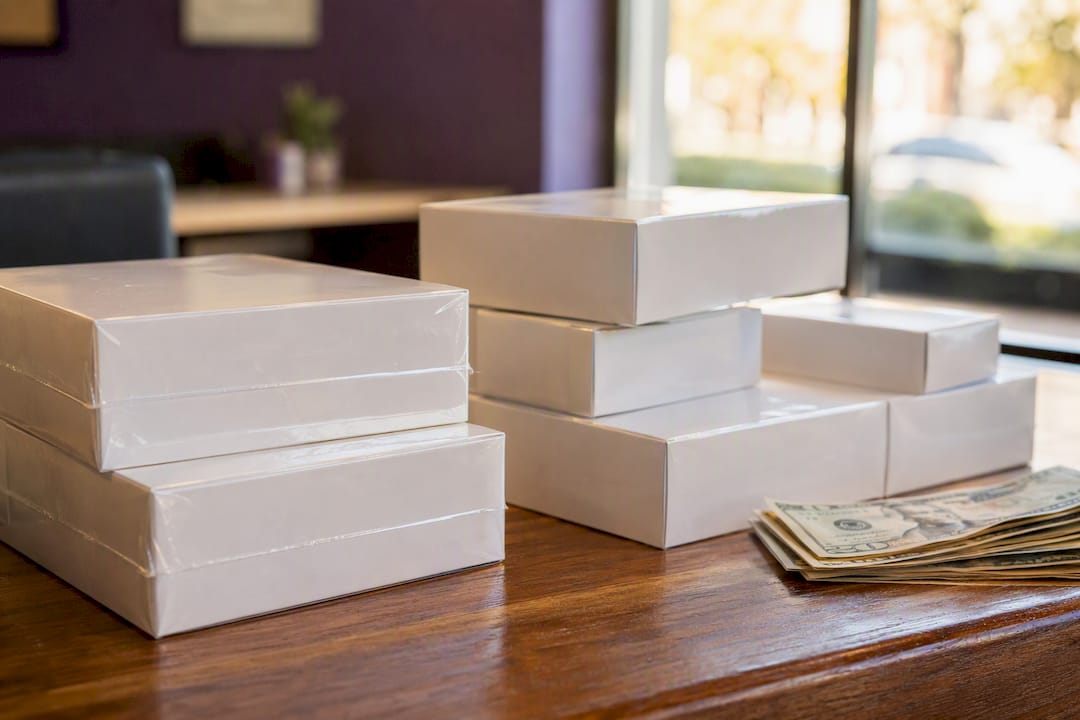
If you’ve got sealed, unexpired G6 three-packs or G7 boxes sitting in a cabinet, here’s what to do next. Bring the boxes as they are, with the expiration date visible and the seal intact. We check the lot number and expiration on the spot, confirm the sensor count matches the label, and pay you immediately if it’s a good fit. There’s no appointment required for most drop-ins, and no penalty for bringing supplies that turn out not to qualify.
This works whether your extra sensors came from a prescription change, a device upgrade, or a starter kit you never used. Full steps and what to bring are laid out on our Dexcom G7 buyback page, and you can start the process anytime through our main buyback page.
What Extra Sensors Are Really Worth
The packaging shift from G6’s three-packs to G7’s single-sensor boxes gets treated as a footnote in most coverage, but it’s the detail that actually changes how people plan their supply. When a box holds three sensors, a missed refill or a leftover carton is a minor inconvenience. When a box holds one, every miscount in a prescription, every switch between the 10-day and 15-day sensor, and every starter kit variation creates a real gap or a real surplus.
Most people don’t realize how often that surplus becomes permanent. A doctor moves you from G6 to G7. Your insurer switches its preferred device mid-year. You get handed a starter kit at a diabetes education class and never open half of it. None of these are rare events, and none of them are your fault. But they do leave sealed, perfectly good sensors sitting in a drawer with an expiration date quietly ticking down.
The instinct to just toss them or let them expire is understandable, but it’s the wrong call. Sealed, unexpired sensors still have real value, and letting that value expire unused helps no one. Whether that means selling them locally, donating them, or double-checking your next prescription’s quantity fill before it turns into another unused box, the packaging change from G6 to G7 makes that kind of attention more necessary than it used to be, not less.
— Liliana
Sources
- Dexcom G7 prescribing information
- Dexcom G7 15 Day pharmacist toolkit (PDF)
- How to fill a prescription for Dexcom G6 CGM | Dexcom Provider
- What is in the Dexcom G7 sensor box? — CGM Monitors