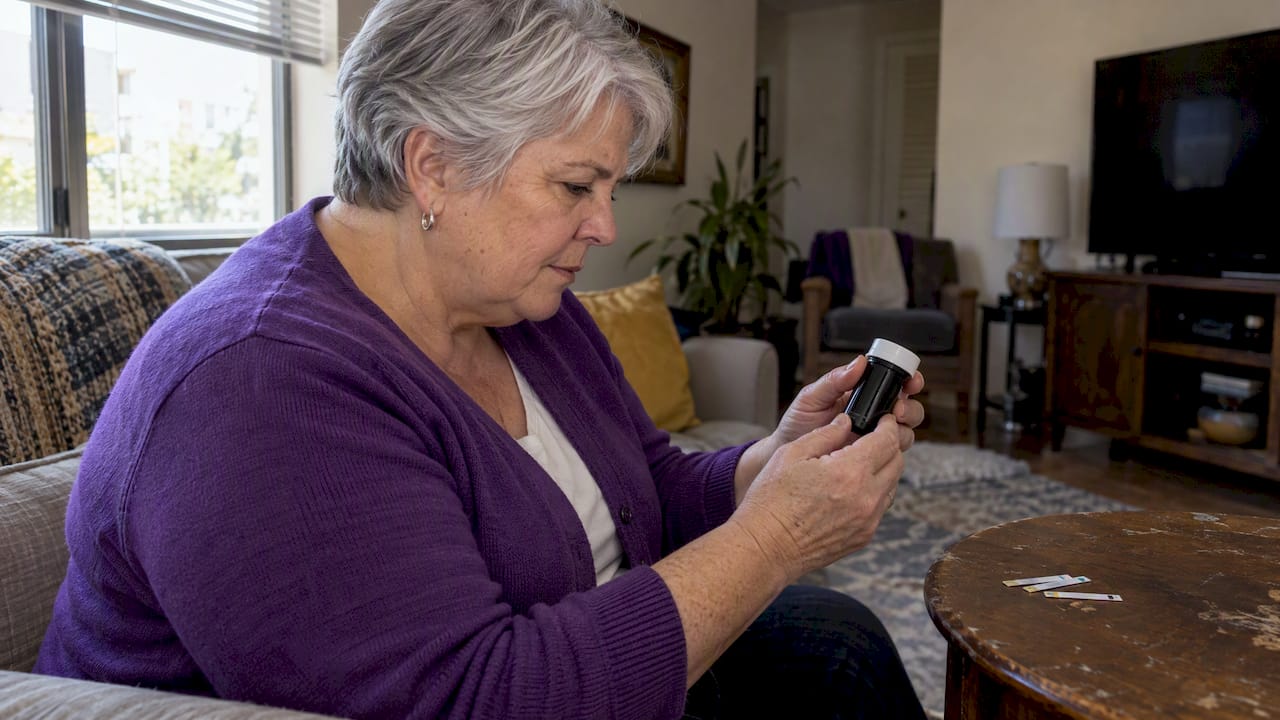
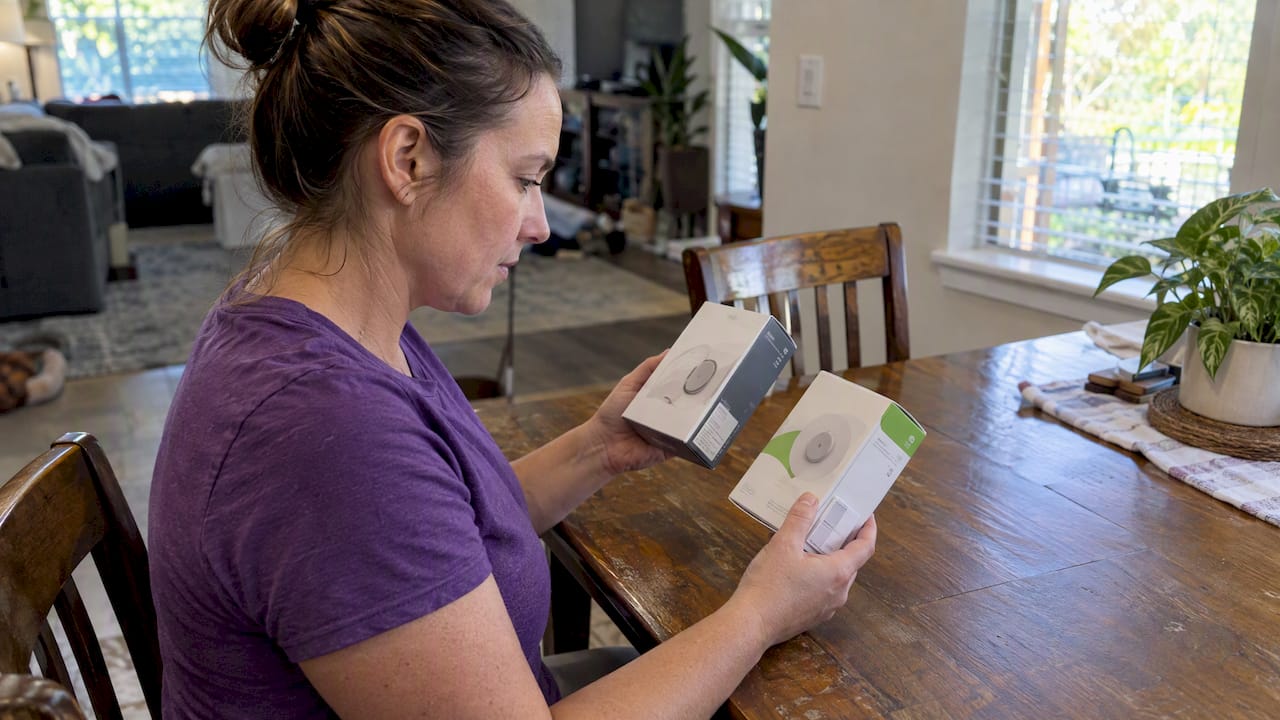
The expiration date for Dexcom G6 and G7 sensors is printed on the exterior sensor packaging, usually on the side of the sensor box or on the sensor tray itself. It appears in YYYY-MM-DD format. Before you bring sensors in for a same-day cash sale, confirm that date is legible and that the box seal looks untouched.
TL;DR:
- The expiration date for Dexcom G6 and G7 sensors is printed in YYYY-MM-DD format on the outer carton or sensor tray, often near the barcode.
- A clear, legible expiration date and an intact sealed box are essential for verifying sensor safety and resale eligibility.
- If the expiration date is missing, smudged, or the box is opened, sellers should check batch recall notices and consider purchasing from unopened, well-labeled boxes.
- Proper preparation includes photographing sealed boxes, storing sensors correctly, and bringing receipts to facilitate same-day cash transactions.
- The current buyback rate for unused Dexcom G7 sensors is generally between $70 and $90 per pack, paid immediately at in-person meetups.
Table of Contents
- Exact locations: how to find the printed expiration on G6 and G7 packaging
- How to read the date format and confirm you have the right field
- If the expiration date is missing, unreadable, or the box is opened
- How to prepare sealed Dexcom sensors for same-day cash
- Why a printed expiration and a sealed box matter to us
- Sell your sealed Dexcom G6 and G7 sensors for same-day cash
- FAQ
- Sources
Exact locations: how to find the printed expiration on G6 and G7 packaging
Finding the date takes less than a minute once you know where to look. Dexcom prints it on the outer carton, not hidden inside layers of packaging, which makes checking eligibility quick.
Start with the side panel of the sensor box. Dexcom’s safety information confirms the expiration date sits on the individual sensor packaging and marks the point after which the device should not be used. On most boxes, you will see a cluster of printed fields together: lot number, serial number, and the expiration date, often grouped in a small table near a barcode.
If you are holding a single sensor tray rather than a full box, check the back of the tray or applicator. Dexcom’s FAQ on locating the G7 serial number notes that serial numbers appear on the side of the sensor box and on the applicator itself, often printed right next to the expiration field.
A few things to check as you scan the label:
- Look for small printed text near the barcode, not just the large brand graphics on the front.
- Compare the font size of the expiration date against the lot number since they often sit close together but are easy to mix up.
- Check both the outer box and the inner tray if the box has already been opened slightly, since the date may repeat in both places.
Pro Tip: Snap a photo of the label at an angle that avoids glare before you try to read small print, especially under fluorescent lighting.
How to read the date format and confirm you have the right field
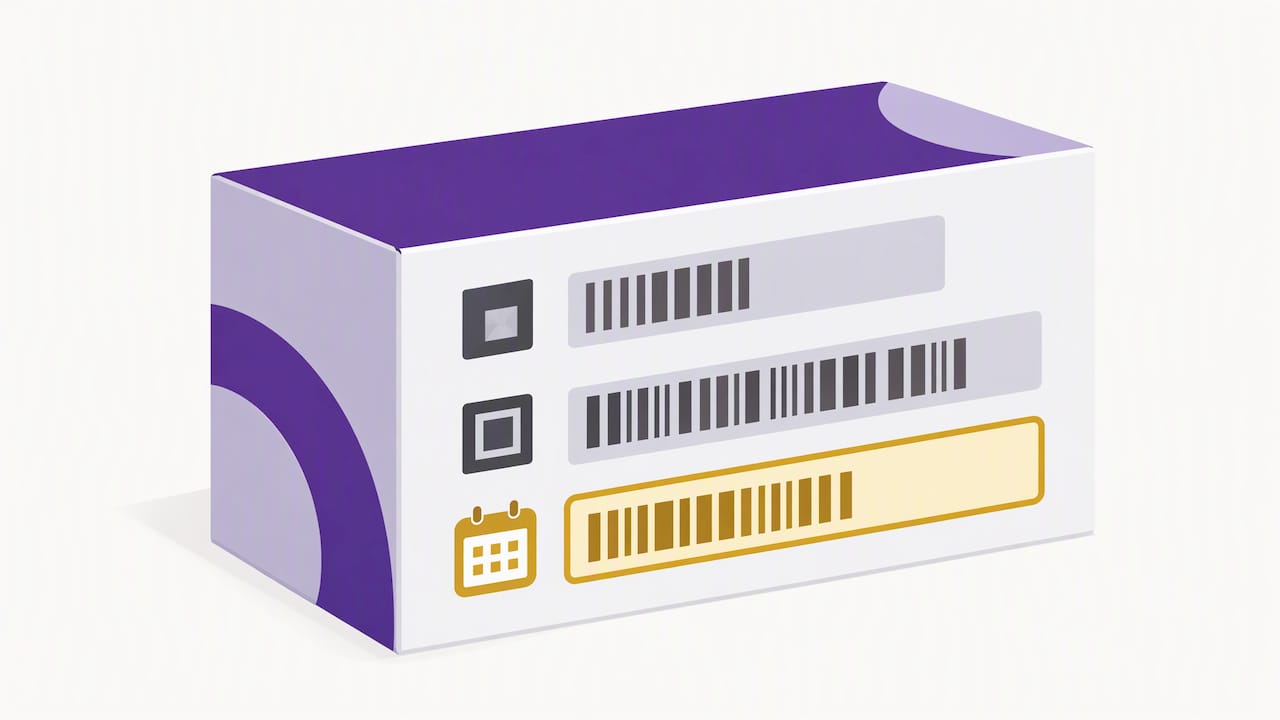
Dexcom lists expiration dates in YYYY-MM-DD format. A date printed as 2027-03-15 means March 15, 2027, not March 2015 or the 3rd day of some other month. Reading it backward is the most common mistake sellers make.
The label will usually include more than one code, so look for the right words next to the right numbers:
- EXP or Expiration date marks the one you need.
- Use by is another accepted label Dexcom uses for the same field.
- LOT or Lot number is a separate batch code, not a date, and should never be confused with expiration.
A legible date and an intact seal both matter, even if the box looks untouched from the outside. Dexcom’s safety guidance treats the expiration date as the primary safety marker tied to sterility and component stability, so a smudged or missing date is treated the same as an expired one for resale purposes.
If the expiration date is missing, unreadable, or the box is opened
Not every box will pass inspection on the first look, and that is fine to figure out before you travel anywhere. Here is what to do when something looks off:
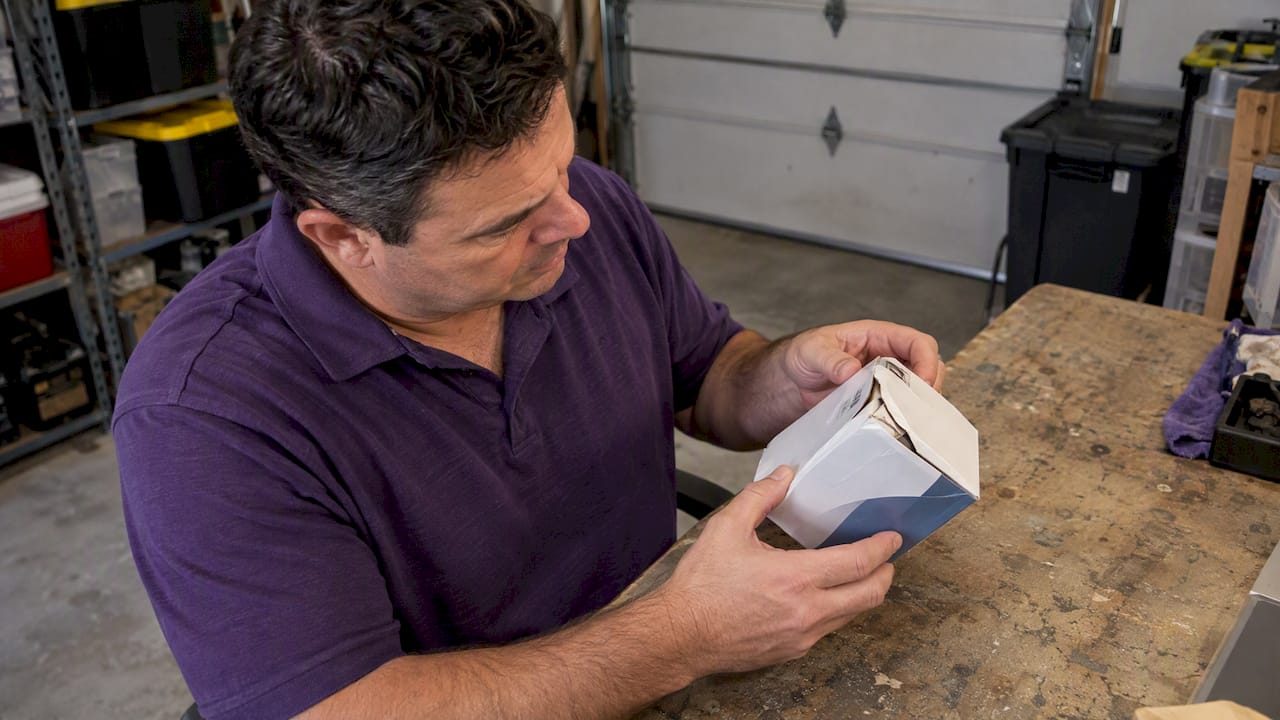
- Do not bring opened or tampered boxes to a same-day meetup. Sterility concerns mean these items typically cannot be accepted regardless of how new they appear.
- Check the lot or serial number for any recall flags. The FDA’s recall and alert notices are a reliable place to confirm whether a specific batch has an active correction or alert.
- If the date is smudged or missing, look for another sealed box from the same order. Sensors are often purchased in multi-packs, and a sister box from the same batch may have a clearer label.
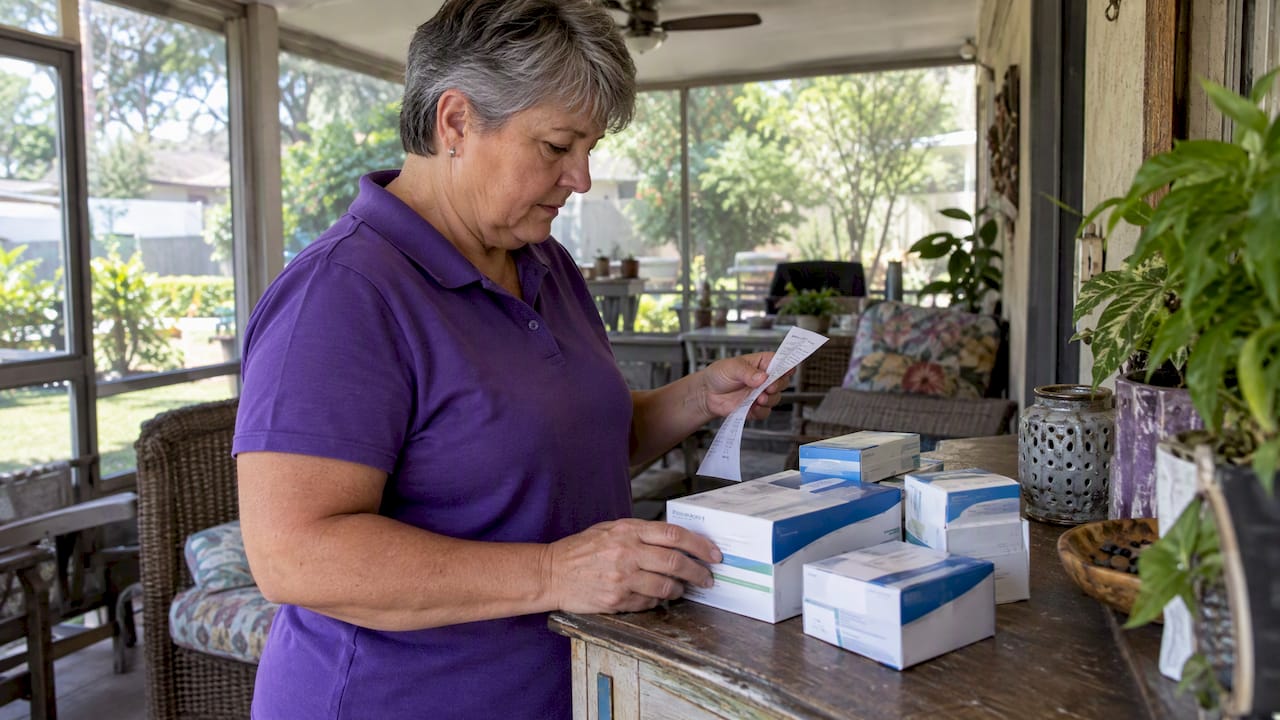
- Keep any pharmacy receipt or order confirmation handy. It will not replace a missing printed date, but it helps establish when the supplies were purchased.
When in doubt, it is faster to sort unreadable items aside and focus on the boxes with clear labels. Our expiration checklist walks through this sorting step in more detail.
How to prepare sealed Dexcom sensors for same-day cash
A little prep work before you leave the house makes the meetup faster for everyone. Here is what to gather:
- Photograph each box clearly. Get one photo showing the full sealed box, and a close-up showing the expiration date along with the lot or serial number.
- Keep sensors stored properly. Dexcom sensors hold their shelf life best when kept between 36 and 86°F, and proper storage protects resale value right up until the sale. Our guide on storing Dexcom sensors covers this in more detail.
- Bring items in their original sealed packaging. Loose sensors without boxes are much harder to verify.
- Count your boxes ahead of time. Knowing exactly how many sealed sensors you have speeds up the quote.
- Bring a charged phone. You will want it for coordinating the meetup location and for any last-minute photos.
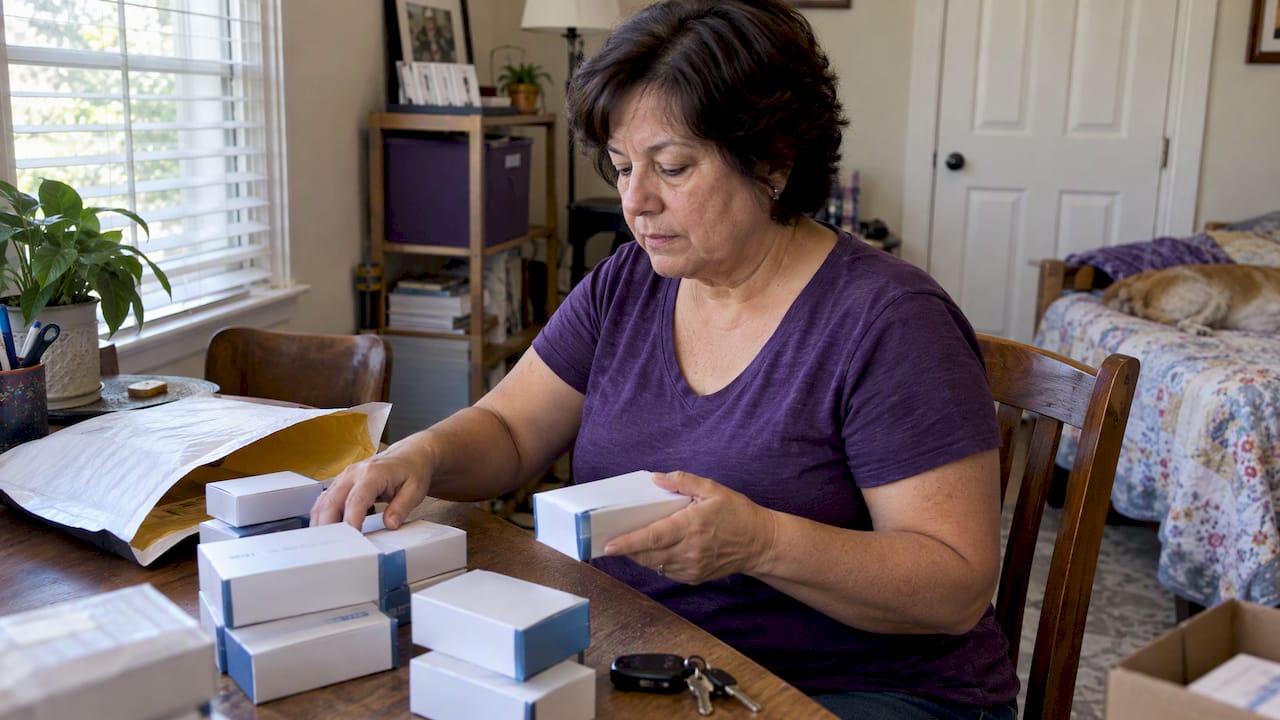
Pro Tip: Lay all your sealed boxes out on a table and photograph them together before you leave, so you have a backup record of condition and count.
Our checklist guide is built around these same steps if you want a printable version to work through at home. If you are specifically holding G7 sensors, our page on selling Dexcom G7 sensors covers eligibility questions unique to that model.
Why a printed expiration and a sealed box matter to us
We built our process around one simple fact: a printed expiration date is the most reliable way to confirm a sensor is safe to resell. It is not a formality. It reflects the same standard Dexcom sets for its own products, and it protects everyone involved in the transaction, including the next person who ends up using that sensor.
A sealed box also tells us the sterility of the device has not been compromised. That matters for buyer liability, but it also matters because it lets us move faster. When a box is sealed and the date is clear, there is nothing to debate at the meetup, which means less back and forth and quicker payment in your hand.
— Liliana
Sell your sealed Dexcom G6 and G7 sensors for same-day cash
We buy unused, sealed Dexcom G6 and G7 sensors directly from sellers locally, and we pay on the spot at the meetup rather than asking you to wait on a shipment to clear. That means no boxing items up, no tracking numbers, and no waiting days for a check.
Getting a quote starts with the same checks covered above: a clear photo of the sealed box, the visible expiration date, and the lot or serial number. From there, we can give you a price estimate and set up a same-day meetup in a safe, public location nearby.
- Bring your sealed boxes, your photos, and any receipts you have on hand.
- Check our Dexcom G7 buyback page for current pricing details.
- Read our step-by-step guide to see exactly what to expect before you arrive.
Ready to turn unused sensors into cash today? Visit our buyback page to get started.
This article is general information, not a substitute for advice from a qualified doctor. Consult a qualified healthcare professional about your own circumstances before acting on anything here.
FAQ
Where exactly is the expiration date printed on a Dexcom G6 box?
It is printed on the side panel of the sensor box, usually grouped with the lot number and serial number near the barcode. Dexcom’s safety guidance confirms this is the standard location across its sensor packaging.
What format does Dexcom use for the expiration date?
Dexcom lists expiration dates as YYYY-MM-DD, so a date like 2027-03-15 means March 15, 2027. Reading the year first, then month, then day, avoids the most common mix-up sellers run into.
Can I sell a Dexcom sensor if the box has been opened?
Opened or tampered boxes generally cannot be accepted for a same-day sale due to sterility concerns. Keeping sensors in their original sealed packaging is the safest way to protect their resale eligibility.
How much can I get for a sealed, unexpired Dexcom G7 sensor?
Our current buyback rate for unused Dexcom G7 sensors is $70 to $90 per pack, paid same-day at an in-person meetup. The exact amount depends on the pack and the condition of the packaging.
What if I can’t read the expiration date on my sensor box?
Check for another sealed box from the same order, since multi-packs often share a lot. If no legible date is available, it is best to set that item aside and verify with a pharmacy receipt before trying to sell it.