Dexcom is clear on this: don’t start a sensor once it’s past its printed expiration date, because the glucose readings might not be accurate. If you’re holding a box that’s close to or past that date, check the expiration print and the sterile packaging before you do anything else. For any Dexcom G6, Dexcom G7, or Dexcom G7 15 Day sensor that’s expired, the safer move is to replace it or call Dexcom rather than insert it.
TL;DR:
- Sensors stored past their expiration date may no longer guarantee accurate glucose readings, even if they seem to power on and function fine.
- The shelf life, indicated by the expiration date, is separate from the wear time, which starts only after the sensor is inserted and is unaffected by storage duration.
- Proper storage involves keeping sensors in original sterile packaging at 36°F to 86°F, avoiding freezing, heat, humidity, and early unsealing.
- Using an expired sensor for insulin dosing is risky due to potential inaccuracies, though it might serve as a rough trend indicator in emergencies.
- Expired sensors with undamaged packaging and unopened seals held in proper storage can still be sold for cash, but opened or damaged boxes cannot.
Table of Contents
- Understanding Dexcom Sensor Shelf Life vs. Wear Time
- Storing Dexcom Sensors the Right Way
- Does an Expired Dexcom Sensor Still Work?
- What to Do If a Sensor Fails Before Its Expected Life Ends
- A Simple Routine for Keeping Spare Sensors Usable
- What Expiration Dates Mean for Buyback Value
- Storage Habits Decide Whether Your Sensors Are Worth Anything
- Turn Unused Dexcom Sensors Into Cash Today
- Sources
Understanding Dexcom Sensor Shelf Life vs. Wear Time
Most confusion about Dexcom sensor shelf life comes down to mixing up three separate clocks. Each one answers a different question, and only one of them tells you whether it’s safe to open the box.
The expiration date printed on the box is about chemistry, not electronics. It marks how long the sensor’s internal components stay stable and sterile while sealed and unused. Once that date passes, Dexcom can no longer guarantee the sensor glucose readings will be accurate, even though the sensor might power on and appear to work fine.
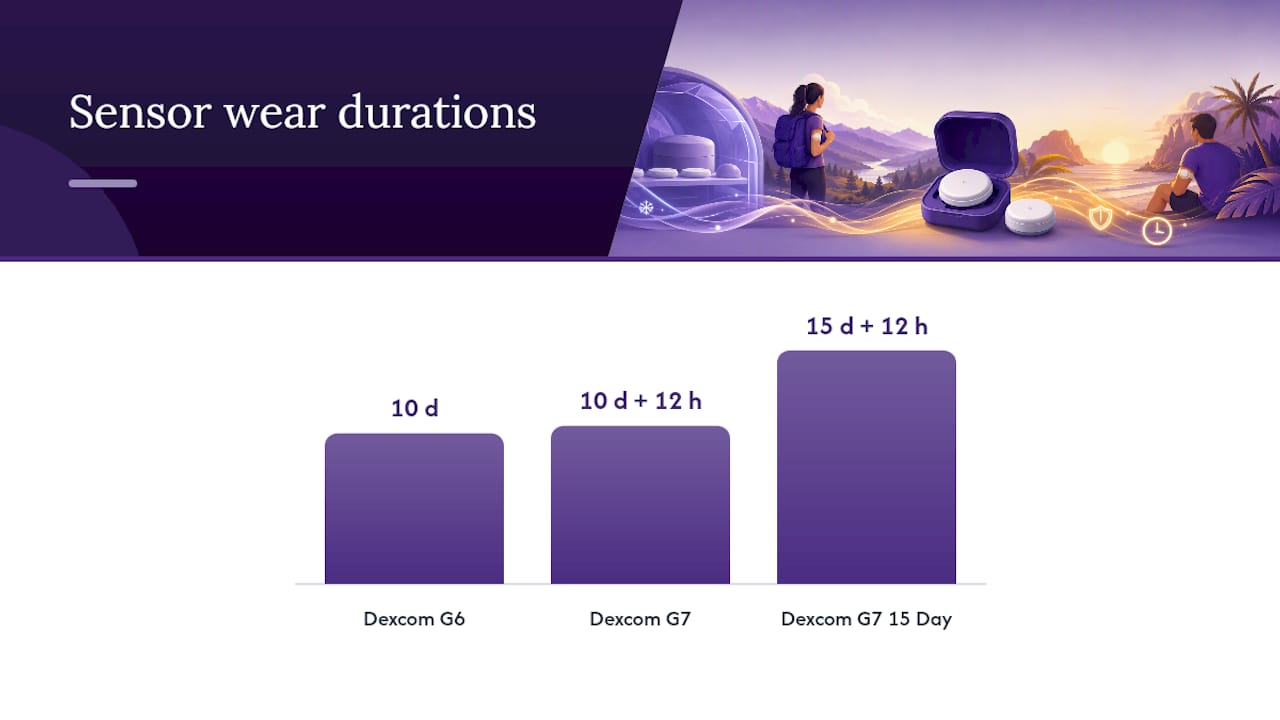
Wear time is a completely different countdown that only starts after you insert the sensor into your skin. This is the session length, not the shelf life:
- Dexcom G6: up to 10 days of wear
- Dexcom G7: up to 10 days of wear, plus a 12-hour grace period
- Dexcom G7 15 Day: up to 15 days of wear, with its own 12-hour grace period for adult users
Here’s the practical distinction: a sensor can display a perfectly normal 10 or 15 day session countdown on your app even if the sensor’s chemistry had already started degrading before you ever opened the package. The wear timer has no idea what happened to the sensor while it sat in a drawer for two years. That’s exactly why the expiration date, not the wear-time clock, governs whether you should insert a sensor in the first place.
Think of it like produce. The wear time is like a “eat within 5 days of opening” label. The expiration date is the “sell by” stamp that tells you whether it was ever safe to open in the first place.
Storing Dexcom Sensors the Right Way
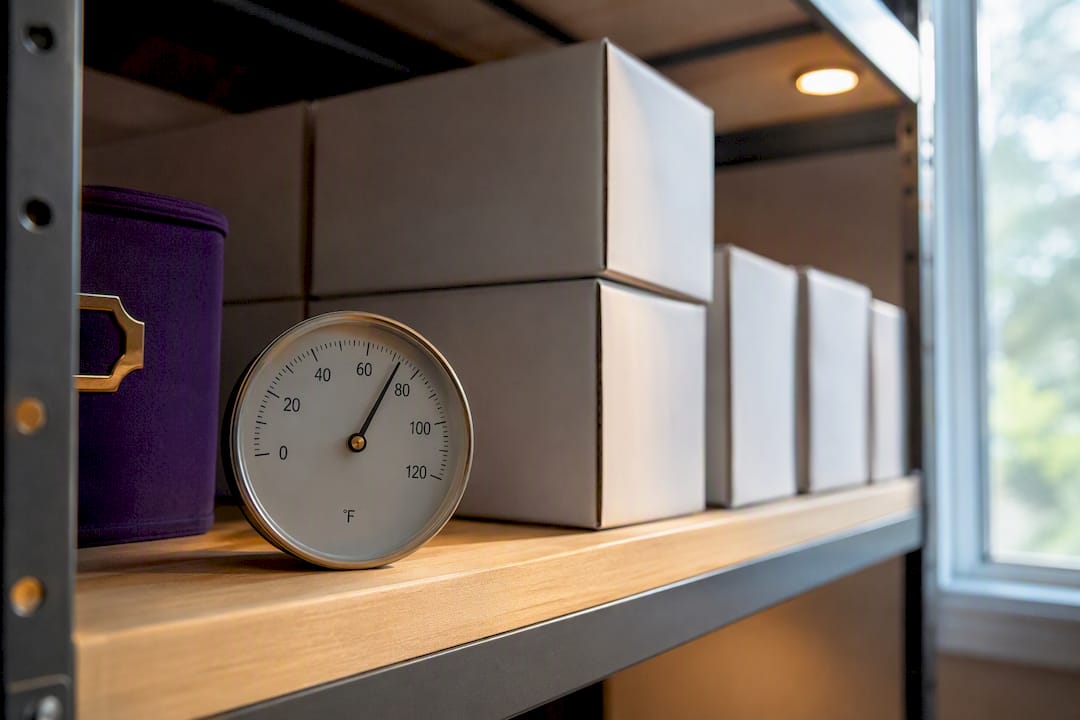
Dexcom sets a fairly wide but firm storage window. Sensors should stay in their original sterile packaging at 36°F to 86°F (2°C to 30°C), and refrigeration is fine as long as the temperature stays inside that range. Freezing is not. A sensor that’s been frozen, even briefly, is not something you want to trust for treatment decisions.
A few habits shorten Dexcom sensor shelf life faster than people realize:
- Leaving spares in a hot car. Florida summers push parked-car interiors well past 86°F within minutes, and that heat exposure can degrade the sensor’s sensitive components.
- Storing sensors in humid bathrooms or garages. Moisture can compromise the sterile packaging seal over time, even if the box looks intact from the outside.
- Opening the packaging early “just to check.” Once the sterile seal is broken, the shelf-life clock effectively resets to zero, no matter what the printed date says.
- Tossing loose sensors into a bag or glove compartment. Physical damage to the outer packaging can compromise the seal without any obvious sign.
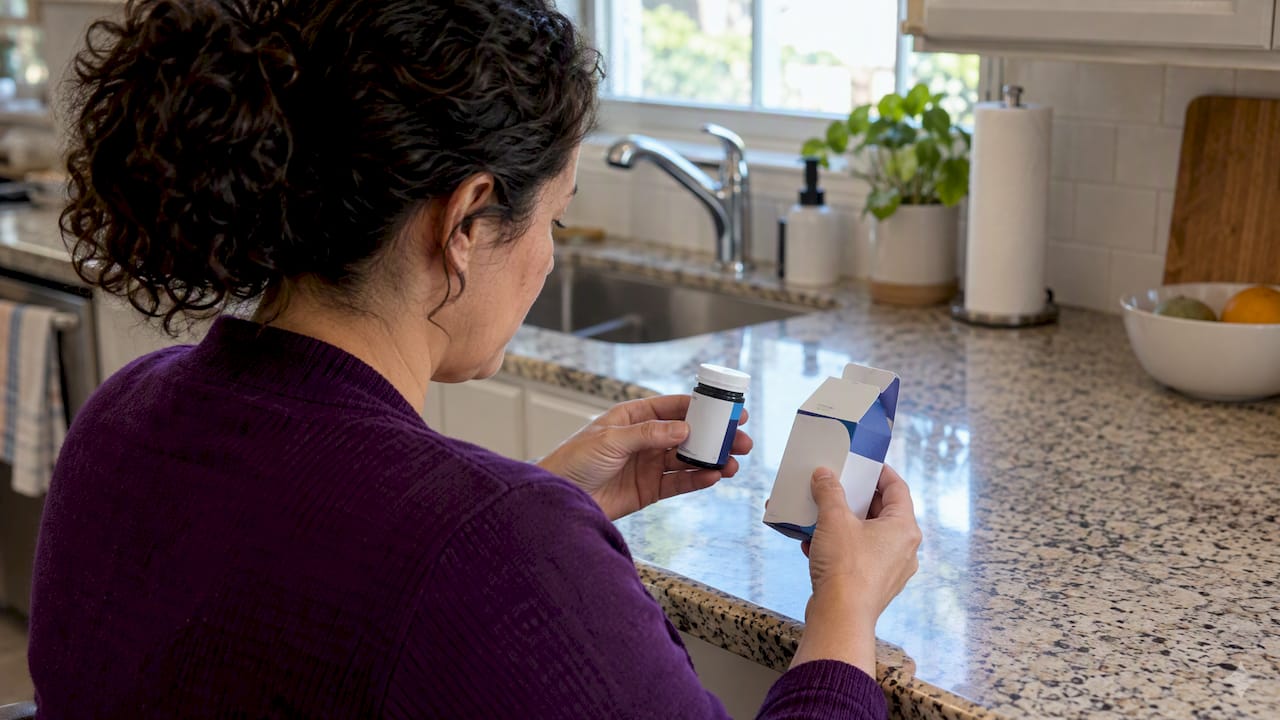
Before inserting any sensor, run a quick check: read the expiration date, confirm the sterile packaging looks fully intact, and note the lot number in case you need it later.
Pro Tip: Keep a small notecard or phone note listing each sensor’s lot number and expiration date the day you receive it. When something goes wrong three months later, you won’t be digging through a stack of empty boxes trying to remember which one it was.
Does an Expired Dexcom Sensor Still Work?
Sometimes, yes. Whether it should be trusted is a different question entirely.
Dexcom’s own safety documentation states plainly: don’t use sensors “beyond their expiration date because the sensor glucose readings might not be accurate.” That’s not a soft suggestion. It’s the manufacturer telling you the accuracy guarantee ends at that date, full stop.
That said, real-world reports paint a more mixed picture. Discussion threads among Dexcom users, including a widely shared Reddit conversation on sensor expiration, describe sensors that technically powered on and ran past their printed date, but with inconsistent accuracy or a “Sensor Failed” error showing up earlier than expected. That’s anecdotal, not clinical data, and it varies wildly from one sensor to the next depending on how it was stored.
Here’s what that mixed evidence actually means for how you should use an expired sensor:
- Never rely on an expired sensor for insulin dosing decisions. If the reading is wrong and you act on it, the consequences land on you, not the sensor.
- An expired sensor might be acceptable as a rough trend indicator in a true emergency, when no other option exists and you understand the readings could be off.
- Any unusual reading from an expired sensor should be confirmed with a fingerstick, not trusted at face value.
- If it fails outright, that’s not a warranty issue since sensors used past their printed expiration aren’t covered the same way as an in-date sensor that fails during its normal life.
The gap between “it turned on” and “it’s reliable enough to dose insulin from” is the whole risk here. Treat that gap seriously.
What to Do If a Sensor Fails Before Its Expected Life Ends
An in-date sensor that fails early is a different situation entirely, and Dexcom’s policy is actually pretty reasonable about it. If a sensor is confirmed as a genuine product failure during its intended wear time, Dexcom will replace it, with no cap on how many times that can happen.
Here’s how to handle it if a sensor fails on you:
- Contact Dexcom Technical Support as soon as the failure happens, rather than waiting a few days. Replacement requests tied to prompt reporting tend to go more smoothly.
- Have your sensor’s lot number and insertion date ready. Both are usually visible in the Dexcom app under sensor history.
- Save a screenshot of the exact error message (“Sensor Failed,” “Sensor Error,” etc.) rather than just describing it from memory.
- Note how many days into the wear cycle the failure occurred. A failure on day 2 of a 10-day G6 sensor looks very different to support than one on day 9.
The outcome depends heavily on timing. A confirmed failure during the sensor’s intended life, on a sensor that was in date when inserted, is squarely inside replacement territory. A sensor you knowingly inserted after its printed expiration date has a much weaker case, since you were already outside the manufacturer’s guaranteed accuracy window when you started it.
A Simple Routine for Keeping Spare Sensors Usable
Most expired sensors in people’s drawers aren’t expired because of bad luck. They’re expired because nobody was tracking the date.
A simple inventory habit fixes most of this. When a new box arrives, write the expiration date somewhere visible, like a sticky note on the box or a line in a notes app, and store it in one consistent, cool, dry spot away from direct sunlight. A closet shelf works better than a bathroom cabinet or a car console every time.
- Rotate stock by using the soonest-to-expire sensor first, not the one that happens to be on top of the pile.
- Keep every sensor sealed in its original sterile packaging until the moment you’re ready to insert it.
- If a sensor was accidentally left somewhere hot, like a car on a Florida afternoon, treat it as suspect and inspect the packaging closely before trusting it, even if the date hasn’t technically passed.
- Avoid stockpiling more than a few months of supply at once if your prescription or device brand tends to change, since unused boxes are often exactly what leads to expired sensors later.
Pro Tip: If you’re managing spares for more than one person, or juggling both G6 and G7 boxes at once, color-code the boxes by expiration month. It takes thirty seconds and saves you from grabbing the wrong one at 11 p.m.
Building this kind of expiration checklist habit into your routine also matters if you ever end up with more sensors than you’ll use, which happens more often than people expect after a prescription change or an insurance switch.
What Expiration Dates Mean for Buyback Value
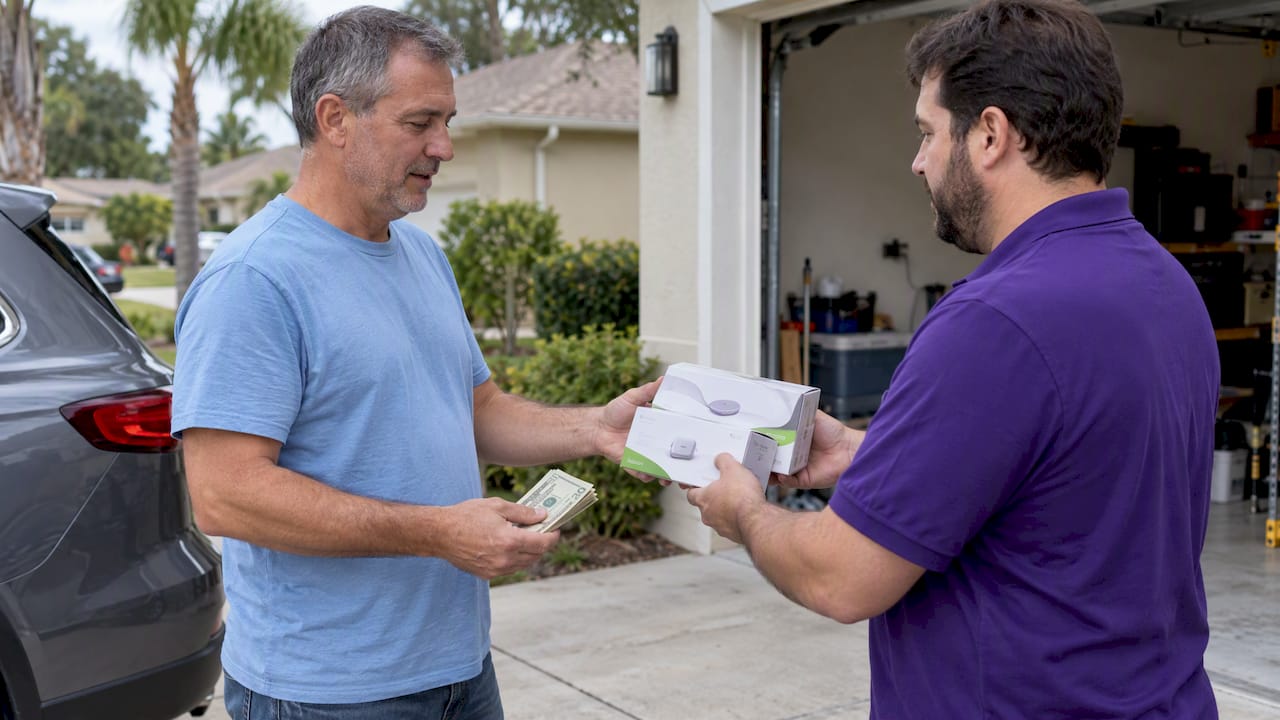
We see the same pattern come through our doors constantly: someone switched CGM brands, their prescription changed, or a loved one’s supply outlived them, and now there’s a stack of unopened Dexcom boxes sitting in a cabinet.
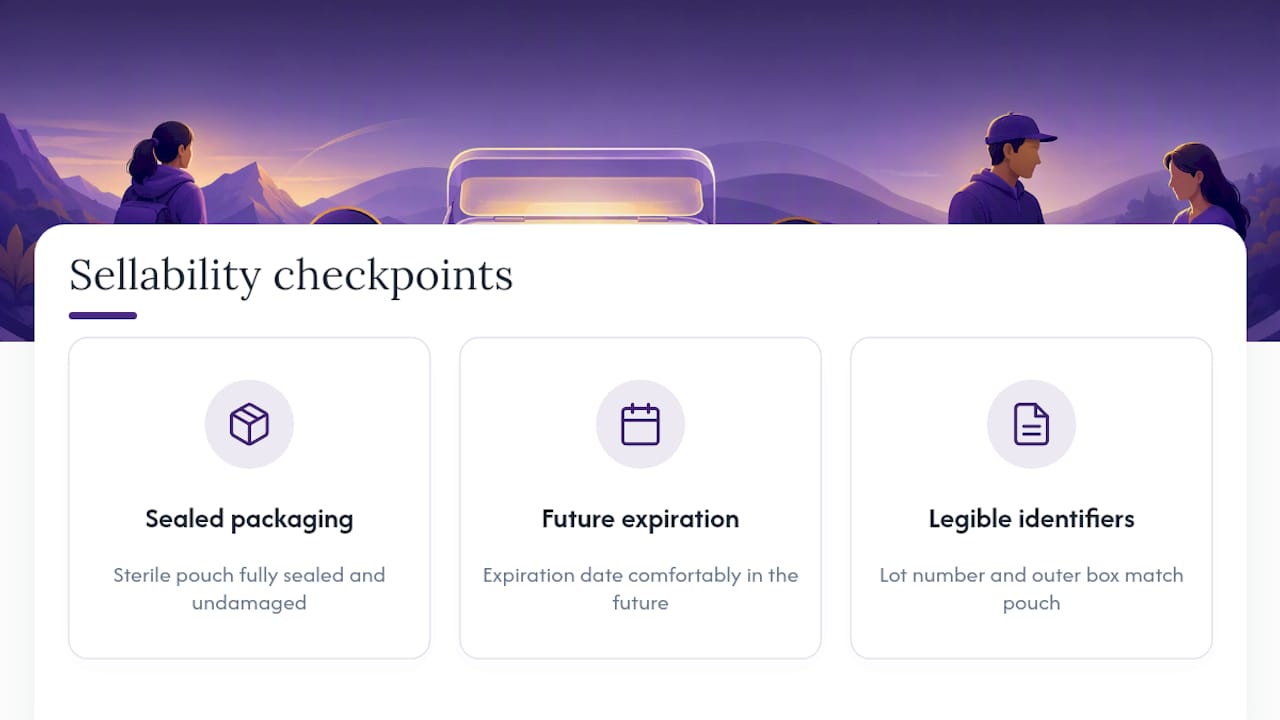
The sensors that get a same-day cash offer almost always share the same three traits. The sterile packaging is fully sealed and undamaged. The expiration date is comfortably in the future, not weeks away. The lot number and outer box are legible and match what’s printed on the sensor pouch inside.
What we can’t take is just as consistent. Opened boxes are off the table immediately, since there’s no way to verify what happened to that sensor once the seal was broken. Expired sensors are excluded too, for the exact reason Dexcom warns against using them: nobody can vouch for the accuracy anymore. If you’re holding sensors in either of those categories, your best options are contacting Dexcom about a possible replacement if it failed early, or checking with your pharmacy about proper disposal. Our own guide on what makes a Dexcom G7 sensor sellable walks through the exact checkpoints our team looks for during inspection.
Storage Habits Decide Whether Your Sensors Are Worth Anything
The most common mistake we see isn’t dishonesty. It’s people genuinely not realizing that a sensor sitting in a hot garage for six months is a different product than one stored properly, even if both boxes show the same printed date.
Expiration dates get treated like a suggestion by a lot of people, right up until they try to sell a box or insert a sensor that turns out to read wrong. The Dexcom guidance on this is unambiguous, and it’s not manufacturer caution for caution’s sake. Sensor chemistry actually degrades on a schedule, and that schedule doesn’t pause because the box looks fine from the outside.
If there’s one habit worth building, it’s checking the date the day a box arrives, not the day you’re about to use it. That single thirty-second check prevents most of the expired-sensor problems we see, whether someone’s trying to insert one or trying to sell one.
— Liliana
Turn Unused Dexcom Sensors Into Cash Today
Orlando Diabetic Supplies Buyback pays same-day cash for unused, sealed, in-date Dexcom sensors instead of letting them sit in a drawer until the expiration date makes them worthless. Unlike mailing supplies to an out-of-state resale site and waiting weeks for a check, our local inspection happens in person, on the spot, with payment before you leave.

Eligible sensors need to be unopened, sealed in their original sterile packaging, and comfortably ahead of their printed expiration date. We accept Dexcom G6 and Dexcom G7 boxes but can’t take anything opened, damaged, or already expired, since that’s the same accuracy risk Dexcom itself warns about. Run through your storage checklist first, confirm your boxes are in date, then bring them in for a quick inspection. Start by checking how to get cash for unused diabetic supplies or head straight to our Dexcom G7 buyback page to see what your sensors are worth today.
This article is general information, not a substitute for advice from a qualified doctor. Consult a qualified healthcare professional about your own circumstances before acting on anything here.