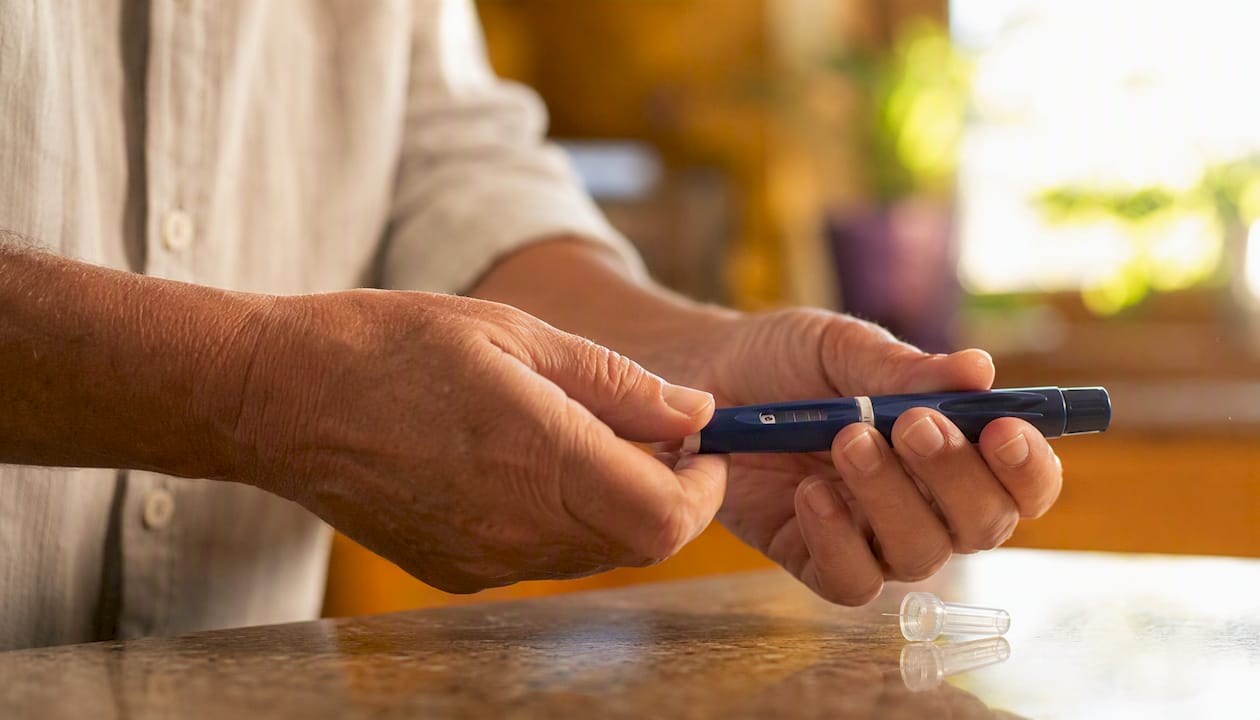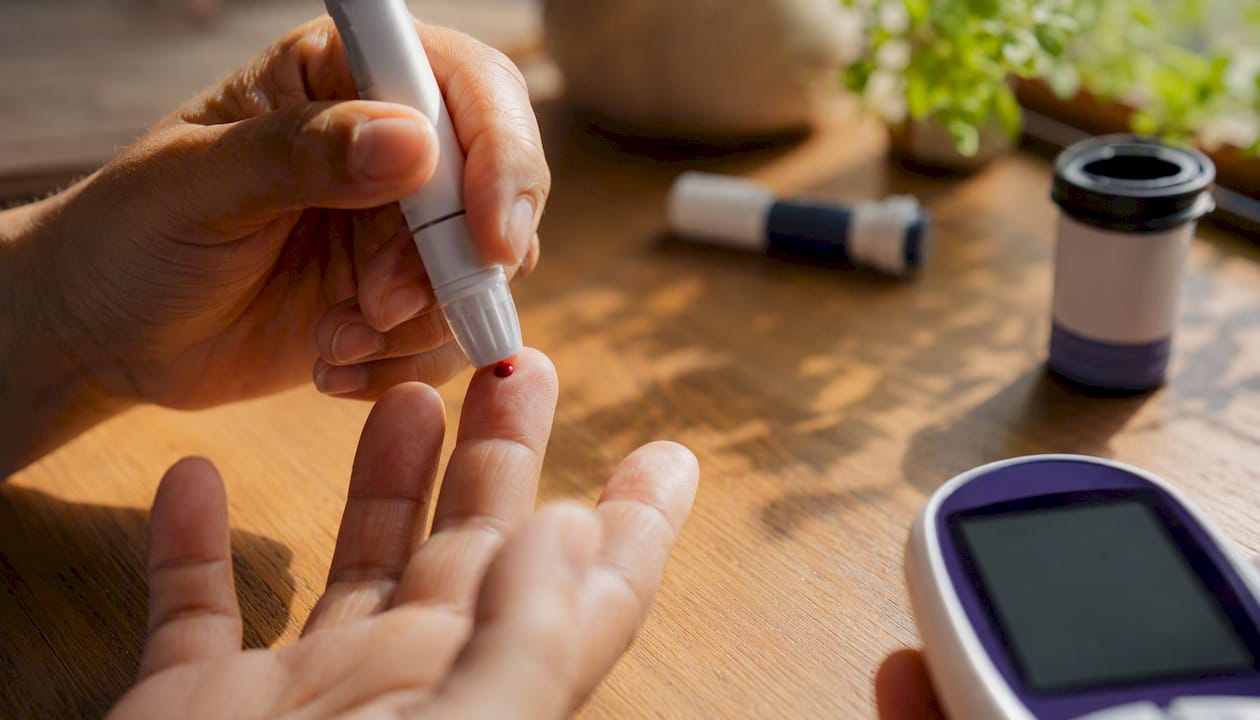
Diabetic device insurance approval is your insurer’s formal authorization to pay for a continuous glucose monitor (CGM), insulin pump, blood glucose meter, or related supplies after you meet two conditions: your plan confirms the device falls under the right benefit category, and your clinical records prove medical necessity. That process is called prior authorization (PA), and it’s the standard gateway for coverage of devices like the Dexcom G6/G7, FreeStyle Libre, and Omnipod. Three things shape every approval:
- Benefit type matters first. Devices are covered under either the Durable Medical Equipment (DME) benefit or the pharmacy benefit, and the route determines your costs, your supplier, and your paperwork.
- Prior authorization and a Letter of Medical Necessity (LMN) are almost always required. Your clinician initiates both.
- Medicare and Medicaid follow different rules than commercial plans. The Centers for Medicare & Medicaid Services (CMS) sets federal standards, but state Medicaid programs add their own layers.
Orlando Diabetic Supplies Buyback works with patients across the Orlando area who navigate these approvals every day.
Here’s what you need to know.
Table of Contents
- What does diabetic device insurance approval actually cover?
- Does your device fall under DME or pharmacy benefits?
- How to request approval, step by step
- What documents does your insurer need?
- What if your claim is denied?
- What are the typical timelines and out-of-pocket costs?
- How to coordinate with your clinician, supplier, and pharmacy
- Medicare and Medicaid: what’s different for you?
- What to do right after your approval comes through
- What are your options if you have unused supplies or a denied claim?
- Key Takeaways
- The part most guides skip over
- You have sealed supplies you don’t need? Here’s a practical option
- Useful sources to bookmark
What does diabetic device insurance approval actually cover?
Coverage applies to a defined set of device categories. Insurers evaluate each one separately:
- Continuous glucose monitors (CGMs): Dexcom G6, Dexcom G7, FreeStyle Libre 2/3
- Durable insulin pumps (external infusion pumps)
- Disposable/patch pump systems (Omnipod)
- Blood glucose meters and test strips
- Infusion sets, sensors, and transmitters
The decision-makers are your insurer’s benefits administrator, your pharmacy benefit manager (PBM) if the device routes through pharmacy, your DME supplier, and for federal beneficiaries, CMS program rules.
FDA clearance is not enough on its own. Payers require evidence of clinical utility tied to your specific condition, not just regulatory status. Your documentation must show measurable benefit for you, not just for the device category in general.
Does your device fall under DME or pharmacy benefits?
This is the question that trips up more approvals than any other. CGM and insulin pump coverage is often split between DME and pharmacy benefits, and the classification changes where you buy the device and how much you pay.
DME benefit: Supplier-driven. Requires a written order, prior authorization, and often a longer review window. You pay a deductible plus coinsurance. The supplier bills your insurer directly if they accept assignment.
Pharmacy benefit: Billed through your PBM. Predictable copays. Faster fulfillment through a retail or mail-order pharmacy. Less paperwork for you, but not all devices qualify.
Most insulin pumps and many CGMs are billed as DME, but some pod-based systems and certain components may route through pharmacy benefits. Insurers are inconsistent on this, even for the same device.
How to check your plan:
- Call member services and ask: “Is this device covered under my DME benefit or my pharmacy benefit?”
- Ask: “Do you require prior authorization, and who must submit it — my doctor, the supplier, or both?”
- Check your insurer’s website for the Summary of Benefits and Coverage document.
- Ask the manufacturer for a free benefits check.
Pro Tip: Record every call. Write down the date, the representative’s name, and the reference number. That record protects you if the insurer later disputes what you were told.
How to request approval, step by step
| Step | Who Does It | Typical Timeline |
|---|---|---|
| 1. Verify benefit type | You + member services | Same day |
| 2. Clinician documents medical necessity, writes order | Your doctor/endocrinologist | 1–3 business days |
| 3. DME supplier or manufacturer runs benefits check | Supplier/manufacturer | 1–3 business days |
| — | Clinician or supplier | Submitted same day as step 3 |
| — | Insurer | 7–30 business days (standard); 72 hours (expedited) |
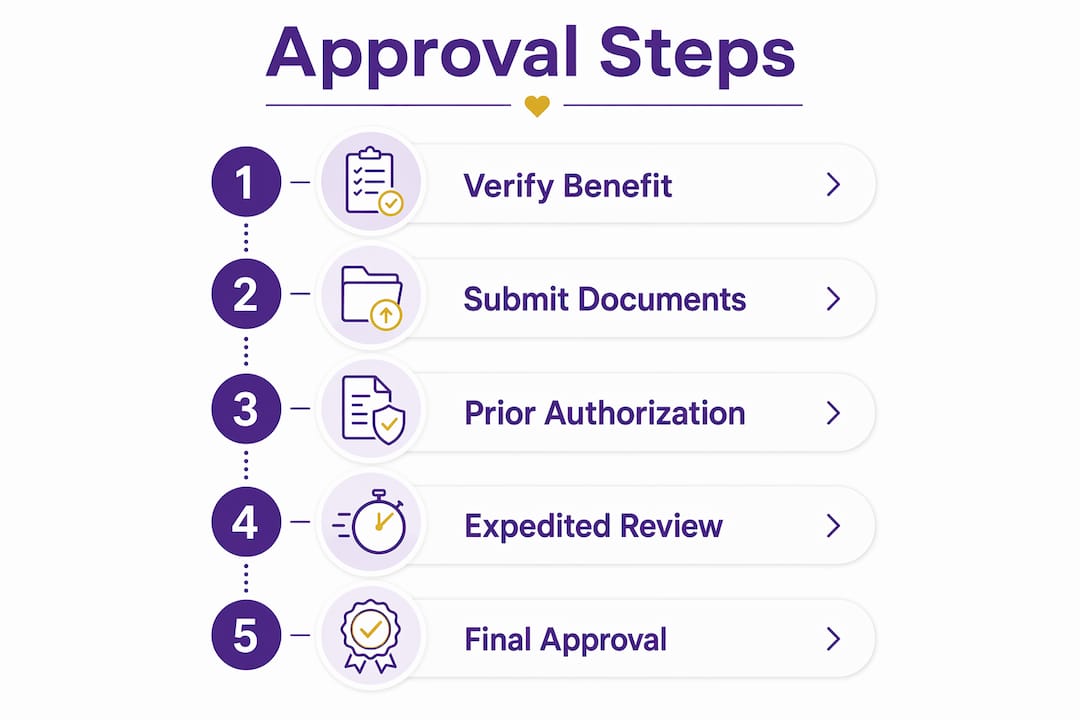
Prior authorization is the most common point where applications stall, almost always because of missing or outdated documentation. Having your clinician initiate the PA directly with the plan, rather than leaving it to the supplier alone, reduces that risk. Learn more about how prescriptions and billing work for diabetic supplies.

If your clinical situation is urgent, ask your doctor to request an expedited review. Insurers are generally required to respond within 72 hours for expedited requests.
What documents does your insurer need?
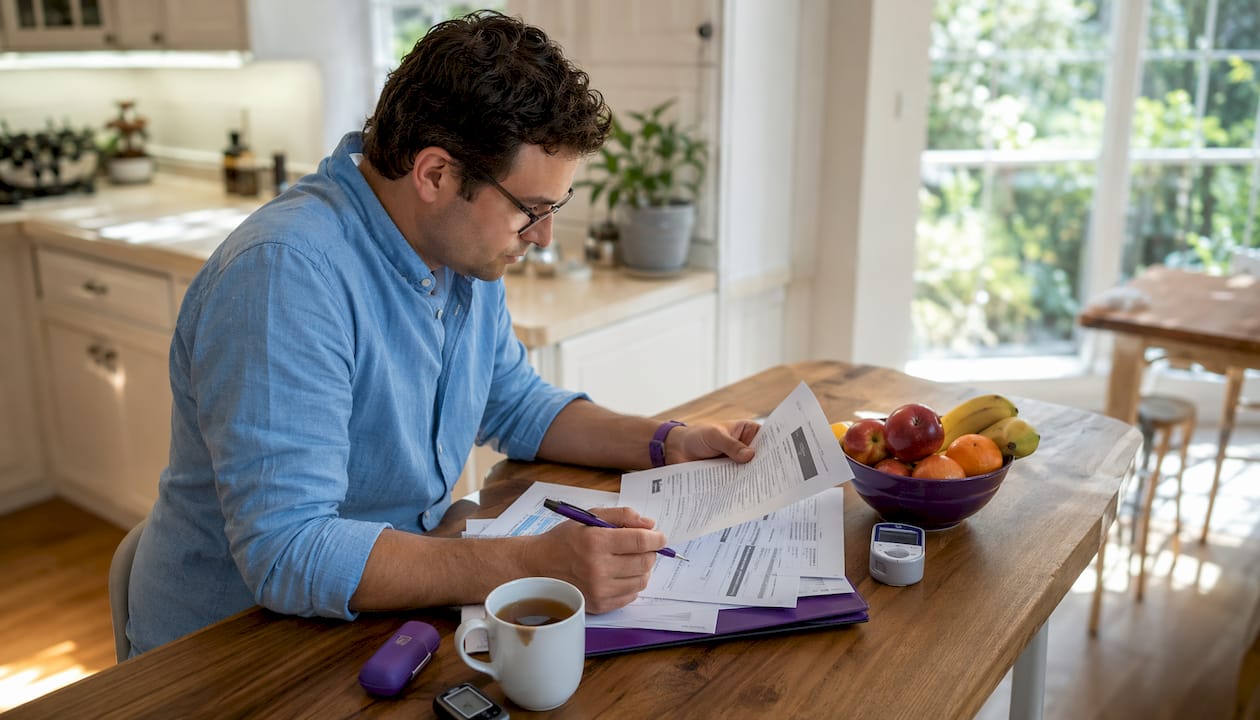
Complete documentation is the single strongest predictor of a first-pass approval. Insurers typically require:
- ICD-10 diagnosis code (e.g., E11.65 for Type 2 diabetes with hyperglycemia)
- Recent A1C values (usually within the past 3–6 months)
- CGM or SMBG (self-monitored blood glucose) logs showing frequency and patterns
- Record of insulin use if the device requires insulin-dependent criteria
- Prior therapy history showing conservative management was attempted
- Letter of Medical Necessity (LMN) from your prescribing clinician
A solid LMN covers four things: your diagnosis and current treatment plan, the functional limitation the device addresses, why this specific device is medically necessary for you, and how it will improve your outcomes. Your clinician writes it; you can ask them to include your most recent lab results and glucose logs as attachments.
On billing codes: CGMs billed to Medicare use HCPCS codes E2102 or E2103 depending on device type, with supply allowances under A4238 or A4239. Your DME supplier or biller confirms the exact codes. Never submit a claim with codes your supplier hasn’t verified, because a mismatch triggers an automatic denial. Understanding why multiple devices affect coverage can also help you build a stronger clinical case.
What if your claim is denied?
Denials are common and often fixable. The most frequent causes:
- Device billed under the wrong benefit (DME vs pharmacy)
- Missing clinical documentation or outdated lab results
- Incorrect HCPCS or ICD-10 codes
- Supplier not accepting assignment or not in-network
- Coverage criteria not clearly demonstrated in the LMN
Your appeals playbook:
- First-level internal appeal: File within the timeframe on your denial letter (typically 30–180 days depending on your plan). Attach the missing documentation, updated glucose logs, and a revised LMN.
- Peer-to-peer review: Ask your doctor to call the insurer’s medical director directly. This one step resolves many denials without a formal appeal.
- External review: If your internal appeal fails, you have the right to an independent external review under the Affordable Care Act. Request it in writing.
Commercial plans and Medicare Advantage can have different prior-authorization criteria, so always pull the specific plan document before you appeal. Avoiding common insurance errors from the start cuts your denial risk significantly.
Pro Tip: When filing an appeal, write one paragraph that maps each insurer criterion directly to a clinical fact in your records. Vague appeals fail; specific ones succeed.
What are the typical timelines and out-of-pocket costs?
Standard prior-authorization reviews typically take several business days. Expedited reviews for urgent clinical needs are completed more quickly as required under federal rules. Appeals add time: first-level internal appeals typically resolve within 30–60 days.
Cost drivers vary by benefit type. Under Medicare Part B, Medicare pays 80% of the Medicare-approved amount after the annual Part B deductible for DME, leaving you responsible for 20% coinsurance. For CGMs specifically, Medicare covers the device and supplies when eligibility criteria are met, and your cost is 20% after the Part B deductible if your supplier accepts assignment.
If a supplier doesn’t accept assignment, you may pay the full charge upfront and wait for reimbursement. That’s a significant difference. Always confirm assignment status before you sign anything. For budgeting help, see this guide on managing out-of-pocket costs for diabetes supplies.
How to coordinate with your clinician, supplier, and pharmacy
Ask your doctor to include in the order and LMN:
- Your specific diagnosis code and current A1C
- Insulin regimen and frequency of glucose testing
- Why the requested device is medically necessary for your case
- Any prior devices tried and why they were insufficient
Supplier vetting checklist before you commit:
- Confirm they accept assignment (especially for Medicare)
- Verify in-network status with your plan
- Ask about their prior-authorization experience with your specific device
- Confirm they will bill your insurer directly
Manufacturer support teams can run a free benefits check that identifies your correct benefit classification and flags missing documentation before the PA is submitted. For Dexcom G6/G7, FreeStyle Libre, and Omnipod, call the manufacturer’s insurance support line and ask for a benefits check before your clinician submits anything.
Medicare and Medicaid: what’s different for you?
Medicare: Part B covers durable insulin pumps and CGMs when eligibility criteria are met. CMS policy requires CGMs to meet the DME benefit definition, which means the device must have a stand-alone receiver or integrate into an insulin pump. CGMs that display results only on a smartphone without a qualifying receiver are denied as non-covered under Medicare. Billing uses HCPCS codes E2102 or E2103 depending on device type.
Medicare Advantage plans may follow different rules than traditional Medicare. Always verify your specific plan’s prior-authorization criteria, not just the general Medicare standard.
Medicaid: Coverage varies state by state. Many state programs require prior authorization for CGMs and pumps, and eligibility criteria differ from Medicare. Florida Medicaid has its own coverage rules. Check your state Medicaid website or ask your supplier whether they participate in your state’s Medicaid network.
What to do right after your approval comes through
Don’t assume the hard part is over. A few things to confirm immediately:
- Get the authorization number in writing and note the expiration date.
- Confirm shipment details and expected delivery window with your supplier.
- Schedule device setup and training before supplies arrive.
- Verify the supplier will file claims directly and accepts assignment.
- Ask how to submit refill requests and what documentation is needed each time.
Keep copies of your approval letter, LMN, and glucose logs. Insurers can audit claims months later, and having your records organized protects you. Track authorization expiration dates so refill submissions don’t lapse. Good supply management habits from day one prevent refill denials down the road.
What are your options if you have unused supplies or a denied claim?
If your claim was denied, your options are: continue the internal appeal, request external review, or ask your clinician to pursue a peer-to-peer call. For retroactive approvals, ask your insurer whether the device qualifies if it was already prescribed and used during the review period.
If you have unopened, sealed supplies you no longer need, lawful resale to a licensed buyer is an option in many states. Before selling, verify your state’s rules and confirm the buyer provides receipts and handles only factory-sealed, unexpired supplies. Never sell opened, used, or unlabeled supplies. Follow FDA and state guidance for safe handling and disposal of any supplies you can’t use or sell. If you’re considering switching devices, understanding why patients switch CGMs can help you plan for leftover supplies before they accumulate.
Key Takeaways
Getting diabetic device insurance approval requires confirming your benefit type, submitting complete clinical documentation, and filing appeals promptly when denied.
| Point | Details |
|---|---|
| Confirm benefit type first | Call member services and ask whether your device is covered under DME or pharmacy before submitting anything. |
| LMN is non-negotiable | Your clinician’s Letter of Medical Necessity must map clinical facts directly to insurer criteria to avoid denial. |
| Medicare pays 80% after deductible | Under Part B, Medicare covers 80% of the approved DME amount; you pay 20% coinsurance when the supplier accepts assignment. |
| Appeal denials promptly | File within the window on your denial letter, request peer-to-peer review, and escalate to external review if needed. |
| Orlando Diabetic Supplies Buyback | If you have sealed, unused supplies after a coverage change, Orlando Diabetic Supplies Buyback offers same-day cash in the Orlando area. |
The part most guides skip over
The approval process feels bureaucratic because it is. But the biggest mistake people make isn’t missing a form. It’s assuming the DME supplier will handle everything correctly without any input from them. Suppliers process hundreds of claims. Your clinician’s office is busy. Nobody in that chain is as motivated as you are to get your specific claim approved.
The patients who get approved fastest are the ones who call member services themselves, confirm the benefit type, and then hand that information directly to their doctor before the LMN is written. They ask the manufacturer for a benefits check. They follow up on the PA status every five business days. Documentation completeness and consistent follow-through are what move approvals forward. Persistence isn’t optional here. It’s the process.
You have sealed supplies you don’t need? Here’s a practical option
If a coverage change, device switch, or prescription update left you with factory-sealed Dexcom G6/G7 sensors, FreeStyle Libre supplies, Omnipod pods, or sealed test strips, Orlando Diabetic Supplies Buyback offers same-day cash for qualifying items in Orlando and surrounding areas.
The process is straightforward. Supplies must be factory-sealed, unexpired, and in original packaging. Orlando Diabetic Supplies Buyback provides receipts and handles only compliant, sealed items. Before selling, confirm your state’s rules and make sure selling won’t affect any active insurance coverage or ongoing claims. If you’re unsure what qualifies, visit the unused supplies guide or the fast-cash selling page to check eligibility and get started today.
This article is general information, not medical, legal, or insurance advice. Confirm current coverage rules with your insurer, CMS, or your state Medicaid office for your specific situation.
Useful sources to bookmark
These primary sources are the ones to check when your plan document isn’t clear or you’re preparing an appeal:
- CMS CGM Coverage Policy Article A52464: Medicare billing codes, DME benefit definition, and HCPCS code requirements for CGMs.
- Medicare.gov: Continuous Glucose Monitors: Plain-language Medicare coverage rules, eligibility, and cost-sharing details.
- CMS MLN Booklet: Medicare Coverage of Diabetes Supplies: Detailed billing guidance for DME suppliers and beneficiaries.
- ADCES danatech CGM Insurance Coverage Tool: Plan-specific CGM coverage lookup and billing code resources.
- Dexcom Cost and Coverage: Manufacturer benefits check and insurance support for Dexcom G6/G7.
- Your state Medicaid website: Search “[your state] Medicaid CGM coverage” for current prior-authorization criteria and eligibility rules.
Keep records of every insurer communication: dates, representative names, and reference numbers. Those details are your evidence if a denial needs to be challenged.