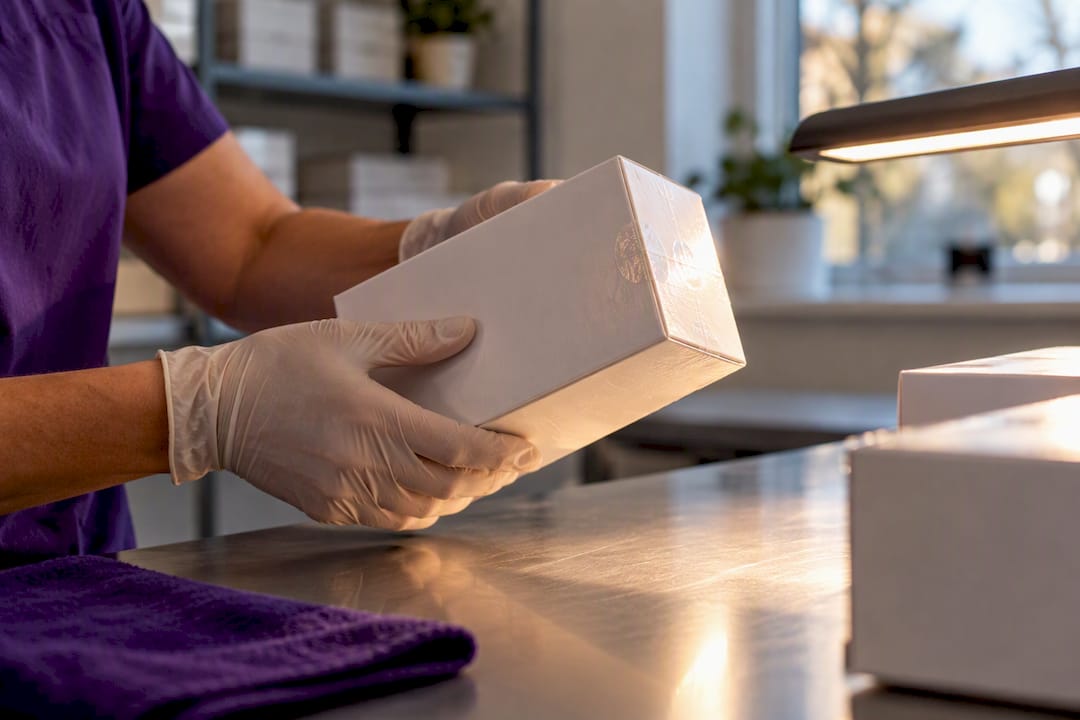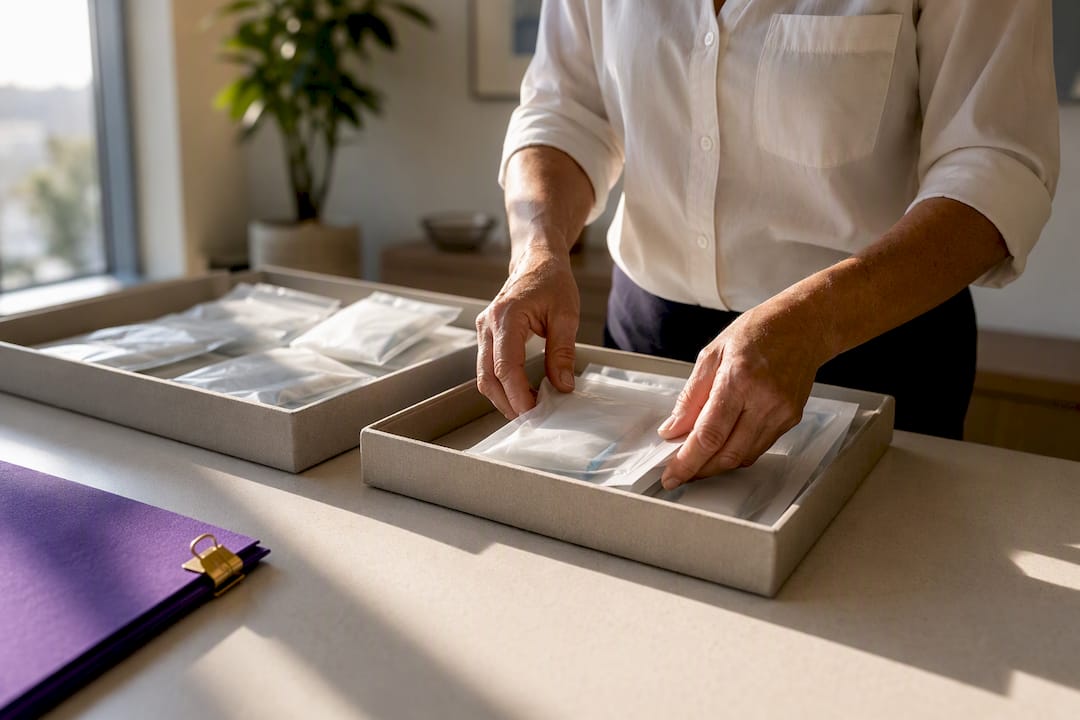
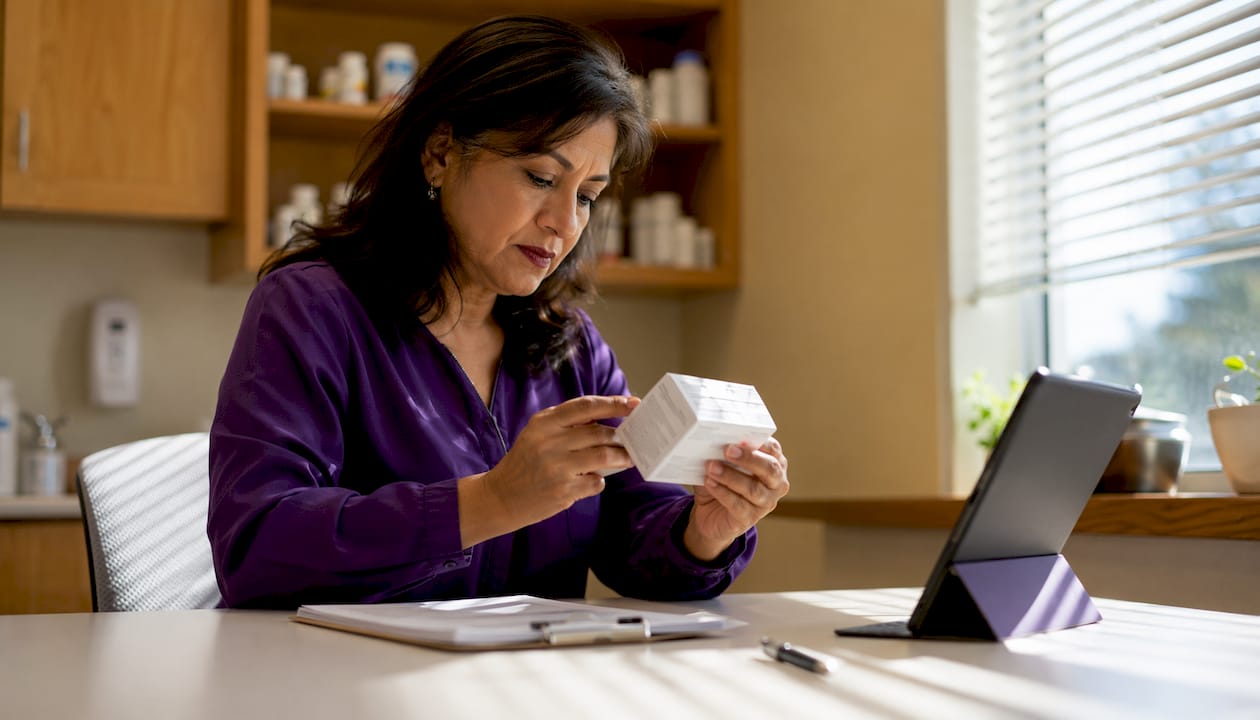
Diabetic device wear time is the manufacturer-stated period a sensor or disposable supply is designed to function accurately. For sellers, the key takeaway is simple: a sealed, unexpired supply retains its resale value regardless of that nominal window. The Dexcom G6 and G7 are rated for roughly 10 days of continuous wear, the FreeStyle Libre 2 and 3 run about 14 days, and the Eversense E3 implantable CGM is approved for up to 180 days. None of that affects a box you never opened. If the packaging is sealed and the expiration date is still valid, the supply is generally sellable. Premature sensor loss is also more common than most people expect, which is one reason surplus sealed stock accumulates in the first place.
Table of Contents
- What is diabetic device wear time? A quick device reference
- Where do manufacturers document wear time?
- Why real-world wear time is often shorter than the label says
- Does wear time determine whether a device is sellable?
- How to prepare your sealed supplies for sale
- Key Takeaways
- The detail most sellers overlook
- Sell your unused diabetic supplies in Orlando today
- Useful sources for verifying wear time and resale policy
What is diabetic device wear time? A quick device reference
The table below gives you a fast lookup by device so you can check whether a sealed item matches normal wear-time expectations before you contact a buyer.
| Device | Nominal wear time | Seller notes |
|---|---|---|
| Dexcom G6 | ~10 days | Standard disposable sensor; check lot and expiry on outer box |
| Dexcom G7 | ~10 days (plus a 12‑hour grace period) | Note model version on box; grace period allows limited extension |
| FreeStyle Libre 2 / 3 | ~14 days | Flash CGM; sealed stock unaffected by scanning behavior |
| Eversense E3 | Up to 180 days | Implantable; only sealed applicator kits are resaleable |
| Test strips (major brands) | Per lot expiration | No wear time; expiry date on box is the only date that matters |
The Dexcom G7’s 12-hour grace window is worth noting on the box when you photograph it. Buyers appreciate the detail, and it confirms you know your stock. For FreeStyle Libre sensors, the flash CGM scanning behavior (data can be overwritten if a user misses an 8-hour scan window) is a user issue, not a sealed-packaging issue. Your unopened box is unaffected.
Pro Tip: Always photograph both the front and back of the sealed box before any appointment. The lot number, expiration date, and model name are all visible there, and having those photos ready speeds up the inspection significantly.
Where do manufacturers document wear time?
Manufacturers state wear time in several places, and knowing where to look helps you verify a device’s specifications before you sell.
- Outer box: The most accessible source. Model name, lot number, and expiration date are printed directly on the packaging.
- Package insert / IFU (Instructions for Use): The folded paper inside the box. It lists nominal wear time, warm-up time, and storage requirements. Do not open the box to access this; the outer label is sufficient for resale verification.
- Manufacturer website or FAQ: Dexcom, Abbott (FreeStyle Libre), and Insulet (Omnipod) all publish wear-time details in their online FAQs. The CDC’s CGM guidance confirms that most disposable sensors are replaced every 7–14 days, consistent with manufacturer documentation.
- Lot/expiration sticker: A secondary label sometimes applied by the pharmacy or distributor. Cross-check it against the printed box date.
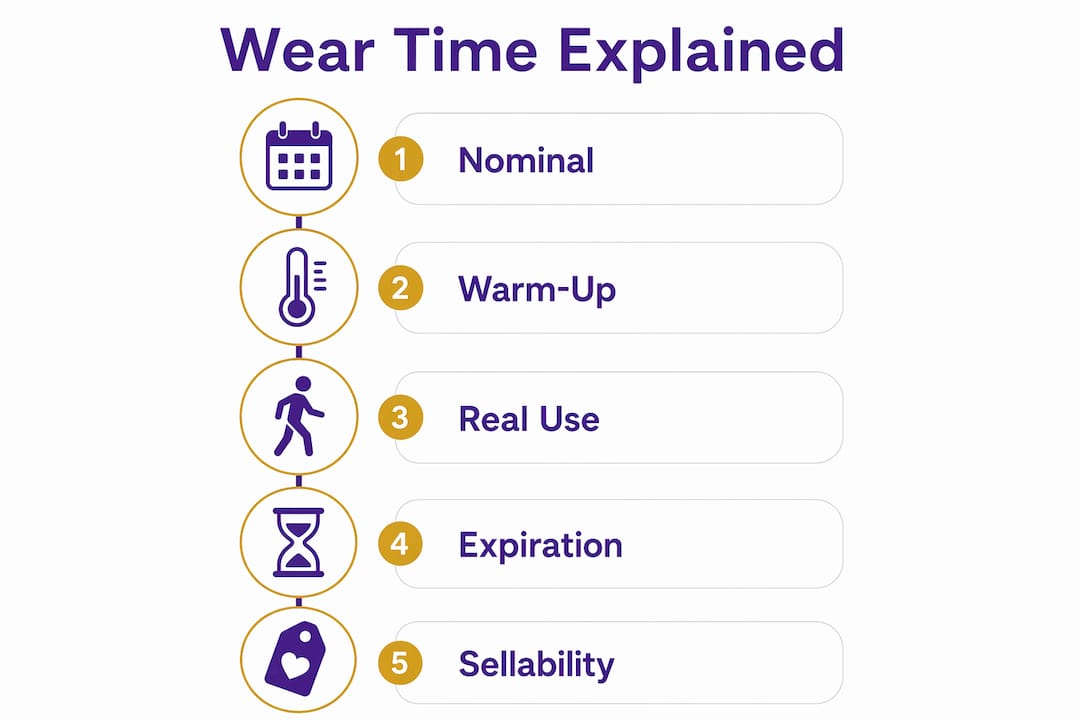
Three terms sellers sometimes confuse: nominal wear time is how long the device is designed to work once applied; warm-up time is the delay after first application before the sensor delivers readings (typically 30 minutes to 2 hours for most models, up to 12 hours for some); and expiration date is the shelf-life deadline printed on the sealed box. For resale, only the expiration date matters.
Pro Tip: Record the lot number and expiration date in a notes app or spreadsheet when you gather your supplies. If a buyer asks for documentation later, you have it ready without re-handling the boxes.
Why real-world wear time is often shorter than the label says
Nominal wear time is a manufacturer performance window measured under controlled conditions. Real-world use is messier. Research on sensor wear shows that roughly 10–15% of sensors do not reach their intended wear time in everyday use. The most commonly reported causes include sensor failure, heat, and adhesive or patch problems.
Physical activity, body chemistry, and even humidity can shorten a sensor’s effective life. For flash CGMs like the FreeStyle Libre, missed scans within the required 8-hour window can cause older glucose data to be overwritten, meaning a sensor that was physically intact may have delivered incomplete data. None of this affects a box that was never opened.
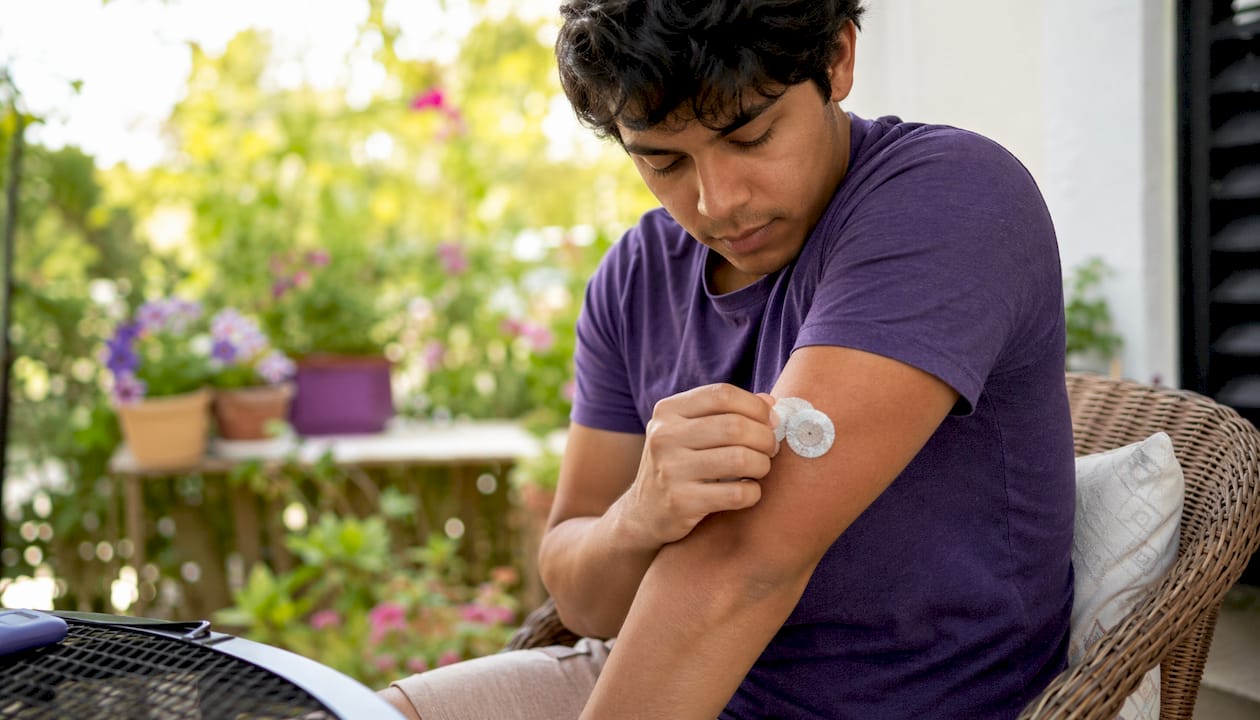
This is exactly why people end up with surplus supplies. A sensor fails at day 7 instead of day 10, a new prescription arrives before the old stock runs out, or a device switch leaves a full box unused. Sealed and unexpired, those supplies still have real value.
Does wear time determine whether a device is sellable?
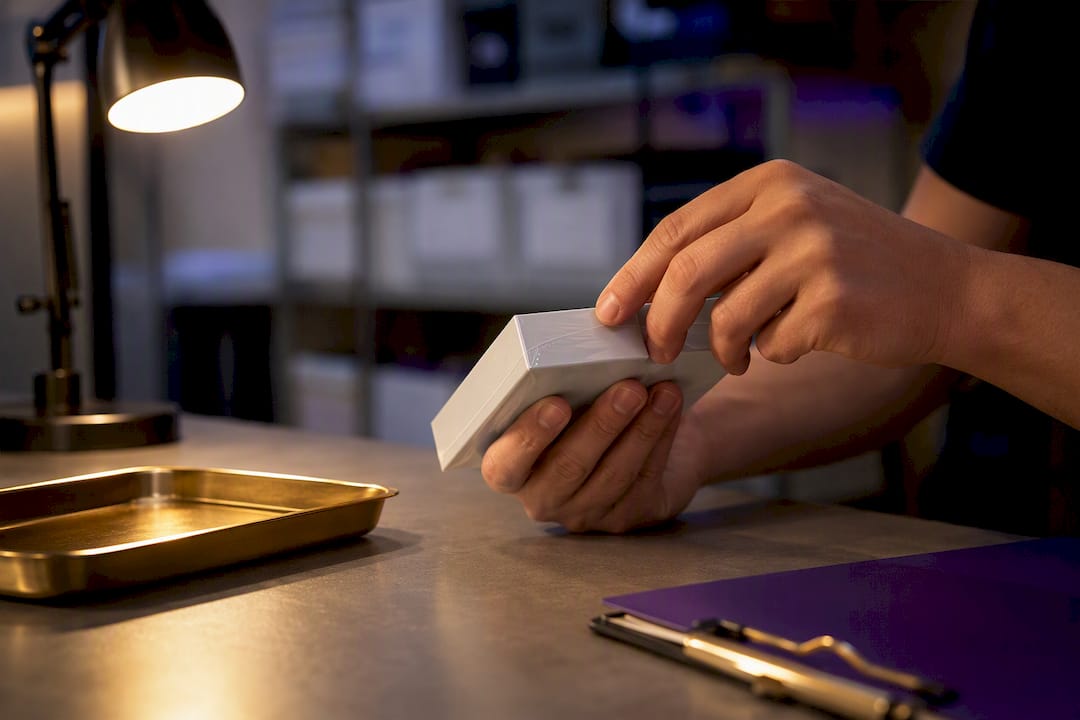
No. Wear time is a performance specification for an applied device. A sealed, unopened supply has not started its wear clock. The resale rule is straightforward: sealed + unexpired + original packaging = sellable. Opened, used, or expired items are typically not accepted.
Use this checklist before contacting any buyer:
- Packaging is fully sealed. No torn edges, broken seals, or signs of tampering.
- Expiration date is valid. Check the printed date on the outer box, not just a sticker.
- Lot and serial labels are intact. Do not remove or cover any printed information.
- Model name is clearly visible. Buyers need to confirm the exact device version.
- Photos are ready. Front and back of the box, showing lot number and expiration.
- Proof of purchase is optional but useful. A pharmacy receipt or insurance explanation of benefits can speed up the process.
For a full expiration verification walkthrough, the diabetes supply expiration checklist covers lot numbers, storage conditions, and what to do with supplies approaching their date. Proper diabetes supply storage also matters: heat and humidity can degrade sealed supplies before the printed date, so keep items in a cool, dry place until you sell.
Legal note: resale rules for diabetic supplies vary by state. This article is general information, not legal or medical advice. Confirm current rules with your state health authority or a qualified professional before selling.
How to prepare your sealed supplies for sale
Follow these steps before your in-person appointment in Orlando.
- Verify model, lot, and expiration. Pull every box and confirm the device name, lot number, and expiration date. Discard any expired items.
- Photograph each box. Shoot the front and back in good lighting. Capture the lot number and expiration date clearly.
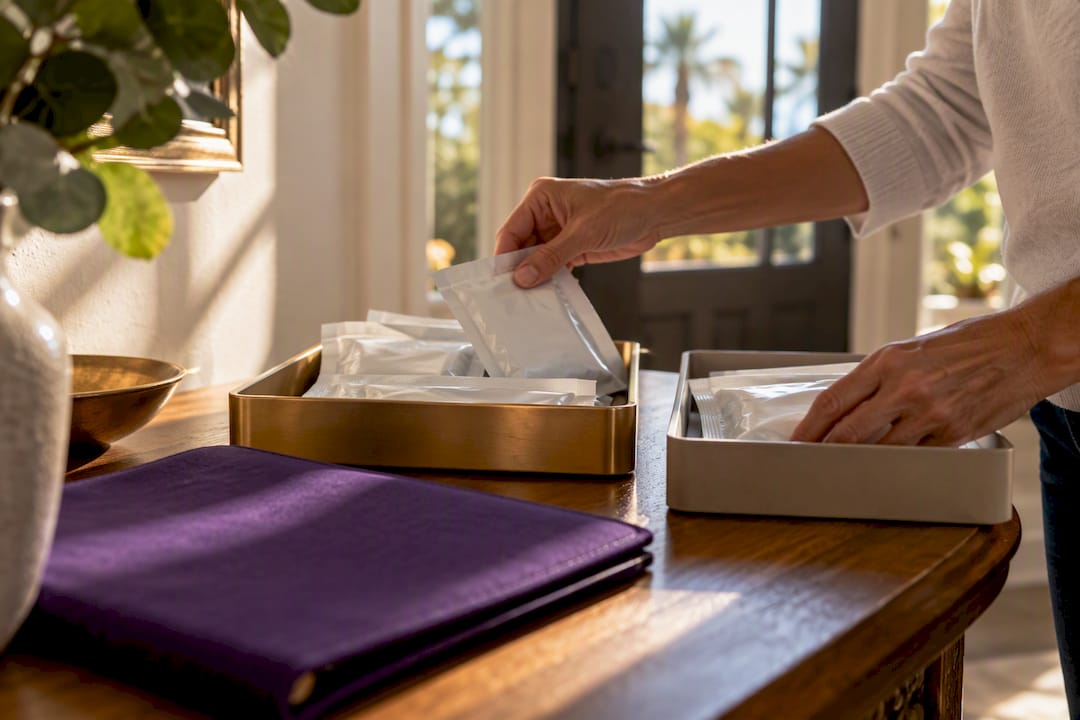
- Keep items sealed and in the original box. Do not open packaging to check contents. Buyers need the original seal intact.
- Gather receipts or insurance paperwork if you have them. Not required, but useful for faster processing.
- Store in a cool, dry place until your appointment. Avoid leaving supplies in a hot car or direct sunlight. Caregivers managing supplies for a family member can find practical storage and labeling guidance in this home medication management guide.
- Pack carefully for transport. Keep boxes upright and protected from crushing. A small tote bag or box works well.
At the inspection, expect a quick visual check of the seals and expiration dates, lot verification, and same-day cash or electronic payment for accepted items. The whole process is designed to be fast and straightforward.
Key Takeaways
Sealed, unexpired diabetic supplies are sellable regardless of nominal wear time because wear time measures device performance once applied, not shelf life.
| Point | Details |
|---|---|
| Wear time vs. expiration | Wear time is a performance window for applied devices; expiration date on the sealed box is what determines resale eligibility. |
| Device ranges | CGM sensors typically run 7–14 days; Dexcom G6 and G7 are rated for ~10 days (G7 with additional 12‑hour grace period), FreeStyle Libre 2 and 3 for ~14 days, and Eversense E3 implantable lasts up to 180 days. Test strips rely solely on lot expiration. |
| 10–15% early failure rate | A notable portion of sensors don’t reach nominal wear time, which is a common reason sealed surplus stock accumulates. |
| Seller checklist | Confirm sealed packaging, valid expiration, intact lot labels, and have box photos ready before any appointment. |
| Orlando Diabetic Supplies Buyback | Buys sealed, unexpired Dexcom G6/G7, FreeStyle Libre, Omnipod pods, and major-brand test strips with same-day payment in Orlando. |
The detail most sellers overlook
Most people focus on whether their supplies are expired. That check matters, but the more common mistake is not knowing the model version on the box. Buyers at local buy-back points need the exact model name, not just the brand. A “Dexcom sensor” is not enough information; a “Dexcom G7, 1-pack, lot number visible, expiration March 2027” is. That level of detail is what separates a fast, smooth transaction from a delayed one.
Understanding wear time also helps you set realistic expectations. If you have a partial box from a sensor that failed early, that box is open and not eligible. But the three sealed boxes sitting next to it? Those are worth bringing in. Knowing the difference before you arrive saves everyone time.
Sell your unused diabetic supplies in Orlando today
If you have sealed, unexpired sensors or test strips sitting in a drawer, Orlando Diabetic Supplies Buyback will give you a fair, same-day cash offer for them. No shipping, no waiting, no guessing what they are worth.
Orlando Diabetic Supplies Buyback purchases Dexcom G6 and G7 sensors, FreeStyle Libre 2 and 3 sensors, Omnipod pods, and major-brand sealed test strips. Every item goes through a quick in-person inspection, and payment is made on the spot.
What to bring to your appointment:
- Sealed boxes with intact lot and expiration labels
- Photos of the front and back of each box (taken in advance)
- A valid ID
- Proof of purchase if you have it (optional)
Visit the cash for unused diabetic supplies page to see exactly what we buy and how the process works. If you have Dexcom G7 sensors specifically, the Dexcom G7 sell page has device-specific details and current offer information.
Useful sources for verifying wear time and resale policy
- Dexcom FAQ — sensor wear time: Confirms the G7’s 12-hour grace period and nominal wear duration. Use this to verify model-specific details before your appointment.
- CDC — Continuous glucose monitors: Authoritative guidance on replacement schedules (7–14 days for most devices) and manufacturer instruction compliance.
- Cleveland Clinic — CGM overview: Clear explanation of warm-up times and how CGMs work; useful for understanding the difference between warm-up, wear time, and expiration.
- Diabetes.org — Choosing a CGM: Covers flash CGM scanning behavior and device-specific quirks that affect data availability.
- DiaLink Panel — real-world sensor wear time: Peer-reviewed data on the 10–15% early-failure rate and the most common causes; explains why surplus sealed stock is common.
- Orlando Diabetic Supplies Buyback — sell page: Local buyer documentation requirements, eligible items, and how to schedule an in-person inspection in Orlando.