A diabetic device compatibility window is the manufacturer- and FDA-verified set of interoperable device combinations — iCGMs, ACE pumps, and iAGCs — that have been tested and cleared to communicate securely with each other. These FDA interoperability designations define exactly which hardware and software pairings can support automated insulin delivery. If your supplies fall inside that window, they command real resale value. If they don’t, buyers will still look at them, but expect a lower offer.
Quick seller takeaways:
- Compatible, sealed, unexpired supplies fetch the best cash offers.
- Incompatible devices may still work manually but won’t support automated dosing — that matters to buyers.
- Orlando Diabetic Supplies Buyback buys Dexcom G6/G7, FreeStyle Libre, Omnipod pods, and sealed test strips with same-day cash, in person.
Table of Contents
- What is the diabetic device compatibility window, exactly?
- Why do compatibility windows exist?
- How compatibility windows shift over time
- What compatibility means for your resale value
- How to verify compatibility before you bring supplies in
- Quick glossary for sellers
- Key Takeaways
- The local buyer’s view on what we actually check
- Get same-day cash in Orlando for your unused supplies
- Authoritative sources to check before you sell
What is the diabetic device compatibility window, exactly?
The three regulatory classes that define diabetic device compatibility are:
- iCGM (integrated continuous glucose monitor): a sensor cleared to share glucose data with other approved devices.
- ACE pump (alternate controller-enabled pump): an insulin pump built to receive commands from external controllers.
- iAGC (interoperable automated glycemic controller): the software or app that runs the automated dosing logic.
Common model families buyers look for include the Dexcom G6, Dexcom G7, the FreeStyle Libre family, and Omnipod pods. These are high-demand examples, not an exhaustive list. Compatibility isn’t just about hardware generation. It depends on specific firmware versions and manufacturer-stated pairings. For instance, Tandem pumps running software version 7.7 or later are compatible with specific Dexcom G7 15 Day versions, while software version 7.3 or later covers all Dexcom G6 sensors. The Omnipod 5 also lists compatible smartphones and OS versions alongside sensor pairings.
Seller checklist — check your box or receipt for:
- Model name and number (e.g., Dexcom G7, FreeStyle Libre 3)
- Firmware or software version
- Lot number and manufacturing date
- Compatible phone or app version listed on packaging
Why do compatibility windows exist?
Compatibility windows exist to keep automated insulin delivery safe. A hybrid closed-loop system only works when the controller reliably receives glucose readings, then commands and confirms insulin delivery through a validated data handshake. One weak link in that chain can mean a missed dose or an incorrect one.
“The main barrier to true interoperability is regulatory and technical: safe automated dosing requires validated secure communication and specific cleared combinations.”
— Dr. David C. Klonoff et al., Regulatory and Technical Hurdles to Device Interoperability
The FDA authorized the first interoperable iAGC for marketing in 2019 and has continued clearing additional components with specific acceptance criteria. Each clearance defines which controller algorithms and pumps may work together. Cybersecurity standards like IEEE 2621 are part of that framework, ensuring secure commands flow between devices. For sellers, the practical implication is direct: validated compatibility is visible to buyers and materially affects what they’ll pay.
How compatibility windows shift over time
Compatibility lists are a moving target. Firmware updates, new iAGC clearances, app and OS changes, and regional regulatory differences can all add or remove valid pairings without any change to the physical hardware.
Common change drivers:
- Firmware updates that unlock or break existing pairings
- New iAGC or iCGM clearances from the FDA
- App or phone OS updates that affect the device handshake
- Regional approval gaps (a pairing cleared in Europe may not be authorized in the U.S. — Orlando sellers must use U.S. listings)
Pro Tip: Check manufacturer compatibility pages and release notes before assuming a device is incompatible. A previously unsupported item can become usable after an update — and the reverse is also true.
What compatibility means for your resale value
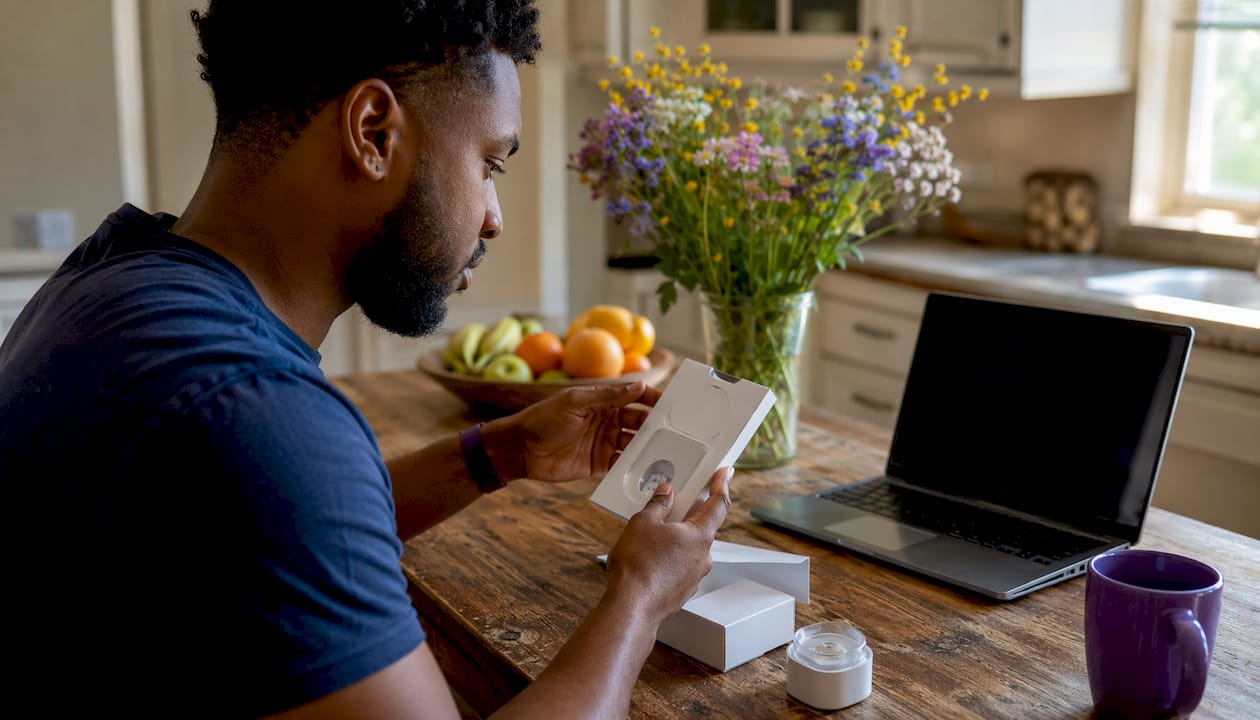
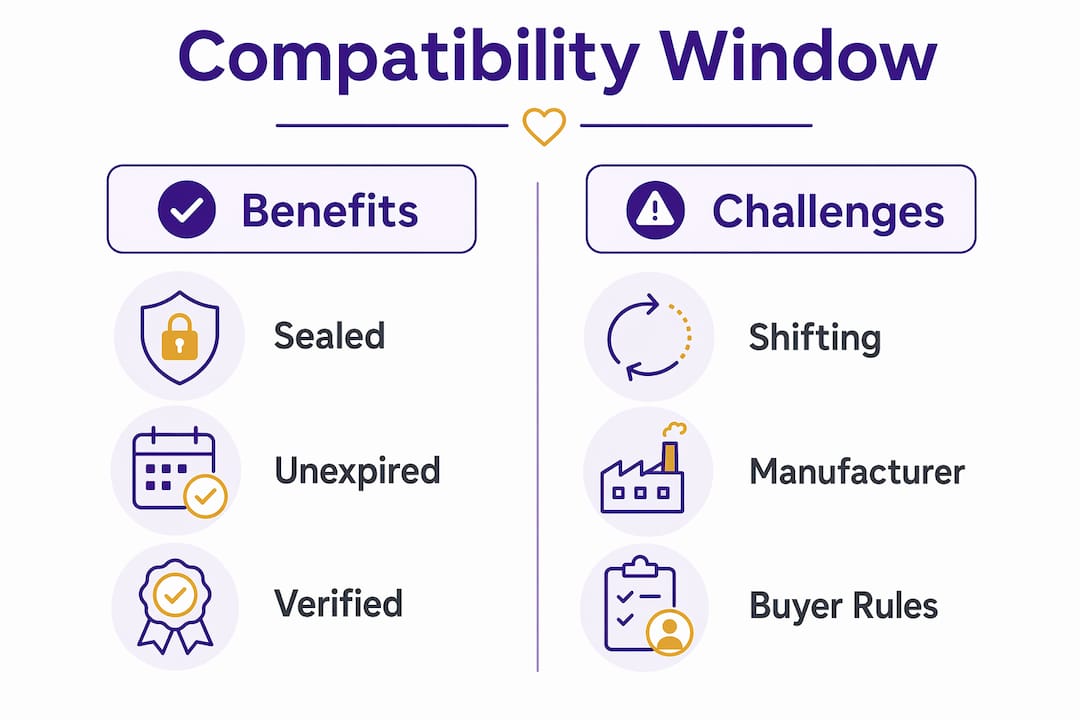
Compatible, sealed, and unexpired supplies listed on the manufacturer’s compatibility page command the best offers. Incompatible devices may still function manually, but buyers building automated systems will pay less for them.
Seller prep checklist:
- Confirm the model number and firmware version on the box.
- Look up the manufacturer’s compatibility page for your specific model.
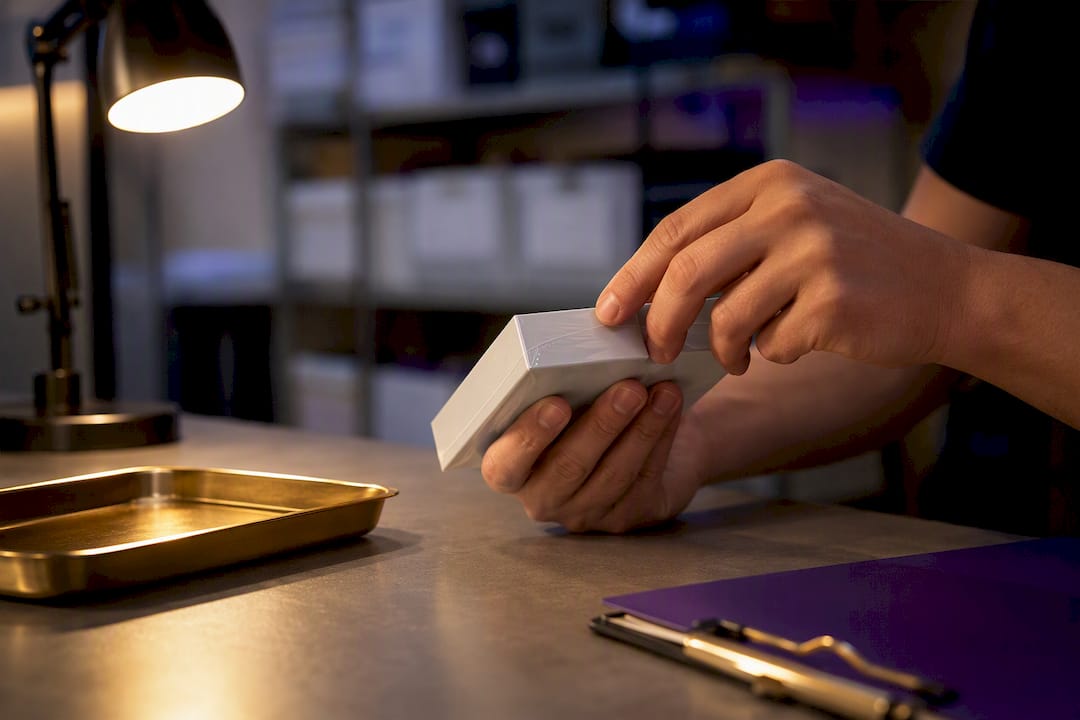
- Keep original packaging with lot numbers and manufacturing dates intact.
- Check expiration dates — expired supplies are generally not accepted.
- Remove any personal data from paired devices before bringing them in.
- Photograph serial numbers, lot labels, and the sealed box.
- Retain your receipt or proof of purchase if available.
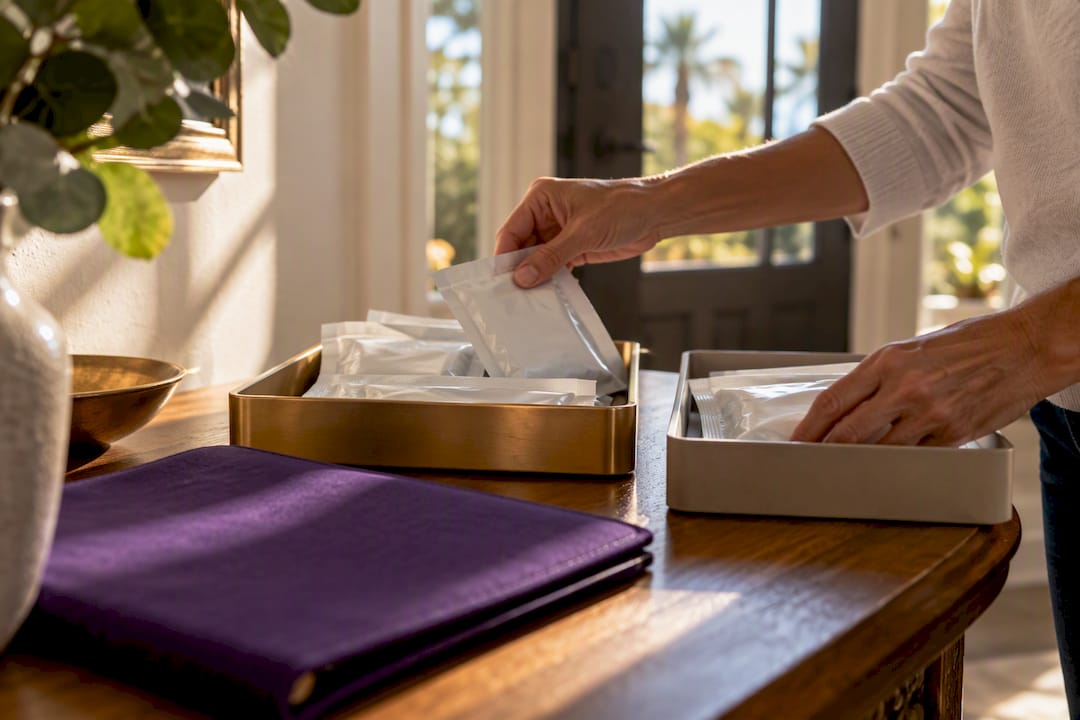
Sealed sensors and pods fetch higher prices. Opened or used items may be unsellable depending on buyer rules and local health regulations. For more on what qualifies, see the guide on types of diabetic items with cash value.
Pro Tip: If your supplies are incompatible with automated systems, they may still have value for manual use — but disclose that upfront. Transparency speeds up the in-person inspection.
How to verify compatibility before you bring supplies in
The fastest route is the manufacturer’s compatibility page plus a model and firmware check, then cross-referencing FDA interoperability listings where available.
- Find the model name, lot number, and manufacturing date on the box.
- Visit the manufacturer’s support page (Dexcom, Omnipod, or Abbott) and search for your model.
- Check the firmware or app version notes for your specific pairing.
- Verify FDA iCGM, ACE, or iAGC listings if applicable.
- Take clear photos of the unopened box, model label, lot number, firmware sticker, and serial number.
- Save screenshots of the compatibility page to show the buyer on arrival.
For a full photo and prep checklist, the guide on how to prepare diabetic supplies for sale walks through every step.
Quick glossary for sellers
- iCGM: A continuous glucose monitor cleared to share data with other approved devices. Matters because only iCGM-designated sensors qualify for automated pairing.
- ACE pump: An insulin pump built to receive external controller commands. Relevant because non-ACE pumps won’t integrate with third-party algorithms.
- iAGC: The controller app or software that runs automated dosing. Buyers need this to be cleared for their specific pump and CGM.
- AID/hybrid closed-loop: The full automated insulin delivery system combining iCGM, ACE pump, and iAGC. The end goal buyers are building toward.
- Firmware: The software embedded in a device. Version numbers determine which pairings are valid.
- BLE (Bluetooth Low Energy): The wireless protocol most modern diabetes devices use to connect locally. Signal drops can mimic incompatibility.
- Interoperability: The ability of two or more devices to communicate and work together as verified by the manufacturer and regulator.
Key Takeaways
Compatible, sealed, and unexpired diabetic supplies with verified manufacturer pairings command the strongest resale offers from local buyers like Orlando Diabetic Supplies Buyback.
| Point | Details |
|---|---|
| Definition matters for value | A compatibility window covers iCGM, ACE pump, and iAGC combinations cleared by the FDA for automated insulin delivery. |
| Firmware version is critical | Compatibility depends on specific software versions, not just hardware model — check the box and manufacturer page. |
| Sealed and unexpired wins | Opened or expired supplies are generally not accepted; sealed, in-date items fetch the best cash offers. |
| Compatibility shifts over time | Firmware updates and new FDA clearances can add or remove valid pairings — re-check before selling. |
| Orlando Diabetic Supplies Buyback | Buys Dexcom G6/G7, FreeStyle Libre, Omnipod pods, and sealed test strips with same-day cash and in-person inspection in Orlando. |
The local buyer’s view on what we actually check
When sellers arrive at Orlando Diabetic Supplies Buyback, the first things we look at are model number, lot number, sealed status, expiration date, and any compatibility evidence on the box or your phone. That sequence isn’t arbitrary. Compatibility evidence — a screenshot of the manufacturer’s page, the firmware sticker, the intact lot label — is what lets us make a same-day cash offer without delay.
Buyers seeking automated insulin delivery setups specifically need supplies that fall inside a verified compatibility window. Incompatible or opened items that can’t support automated features won’t get top dollar, and we’ll tell you that honestly upfront. What we buy: Dexcom G6 and G7 sensors, FreeStyle Libre sensors, Omnipod pods, and sealed test strips in Orlando and surrounding areas.
Get same-day cash in Orlando for your unused supplies
If you have sealed, unexpired diabetic supplies sitting in a drawer, Orlando Diabetic Supplies Buyback makes it straightforward to turn them into cash the same day you walk in.
What we buy:
- Dexcom G6 and G7 sensors (sealed, unexpired)
- FreeStyle Libre sensors (sealed, in original packaging)
- Omnipod pods (sealed boxes, unexpired)
- Major brand sealed test strips
What to bring: your sealed supplies with original packaging, lot numbers visible, and a valid ID. We inspect on the spot and pay immediately for eligible items. Ready to see what your supplies are worth? Visit how to get cash for unused diabetic supplies to learn what to expect, or bring your supplies directly to us in Orlando.
Authoritative sources to check before you sell
Save screenshots from these pages to speed up buyer verification:
- Dexcom CGM compatibility with Tandem pumps: Lists which Dexcom G6 and G7 versions work with which Tandem software versions.
- Tandem CGM sensor compatibility overview: Covers FreeStyle Libre 3 Plus and Dexcom pairings by pump model.
- Omnipod 5 smartphone compatibility: Lists compatible sensors and phone/OS versions.
- Insulin Pump Life CGM compatibility guide: A regularly updated overview of pump and CGM pairings.
- Diabetesnet interoperable devices guide: Plain-language explanation of iCGM, ACE, and iAGC with connectivity notes.
- FDA interoperability pages: Search “iCGM” and “ACE pump” on FDA.gov for official U.S. clearance listings.
This article is general information for sellers, not medical or legal advice. Confirm current compatibility and resale rules with the manufacturer or a qualified professional for your specific situation.