A lot number is the batch code a manufacturer prints on a product so that every item made in that run can be identified. On diabetic supplies you will find it on the box, and often on the tray or the item itself, usually after the word LOT. You need it to check for recalls, to report a problem, and to describe your supplies accurately if you sell extras. Lot numbers do not have to match across boxes for most supplies, but test strips and meters are the exception to watch.
This guide explains what the number tells you, where to look for each product, whether mixed lots are a problem, and what to do when a lot is recalled or unreadable.
TL;DR
- A lot number is a batch code. It is not an expiration date and not a serial number.
- It sits on the outer box (after “LOT”), and on some products also on the tray lid or the item.
- Different lots of sensors, pods, lancets or syringes can be used one after another. Test strips must be the type made for your meter.
- Check your lot against the manufacturer’s recall notice and the FDA before you use extra stock, and again before you sell it.
- Keep boxes sealed and labels readable. Unreadable lot labels make supplies harder to verify.
Table of Contents
- What a lot number is, and what it is not
- Where to find the lot number on common supplies
- Do lot numbers need to match?
- How to check whether your lot is recalled
- What if the lot number is missing or unreadable?
- Why lot numbers matter when you have extra supplies
- Check these before you sell unused supplies
- Our perspective
- Sell your unused supplies for same-day cash in Orlando
- Reduce waste so fewer boxes expire
- FAQ
- Sources
What a lot number is, and what it is not
A lot number identifies the manufacturer’s batch. Every item made in that run carries the same code. That is why one lot number can appear on hundreds or thousands of boxes.
Three codes get mixed up often:
| Code | What it tells you | Where you use it |
|---|---|---|
| Lot number | Which production batch the item came from | Recalls, quality complaints, tracing a problem |
| Expiration date | The last day the maker stands behind the product | Deciding whether to use or sell |
| Serial number | One individual item (common on meters and reusable devices) | Warranty and service |
Lot data can also help track manufacturing dates. A serial number is more often used for warranty and service on a single item.
One more point. A matching lot number alone does not prove a product is genuine or in good condition. Industry labeling guidance says lot and expiration date should stay linked together in records. Read them as a pair every time.
Where to find the lot number on common supplies
The exact spot changes by brand and package, so look for the word LOT or the small factory symbol next to a date. Here is where to check.
CGM sensors (Dexcom, FreeStyle Libre)
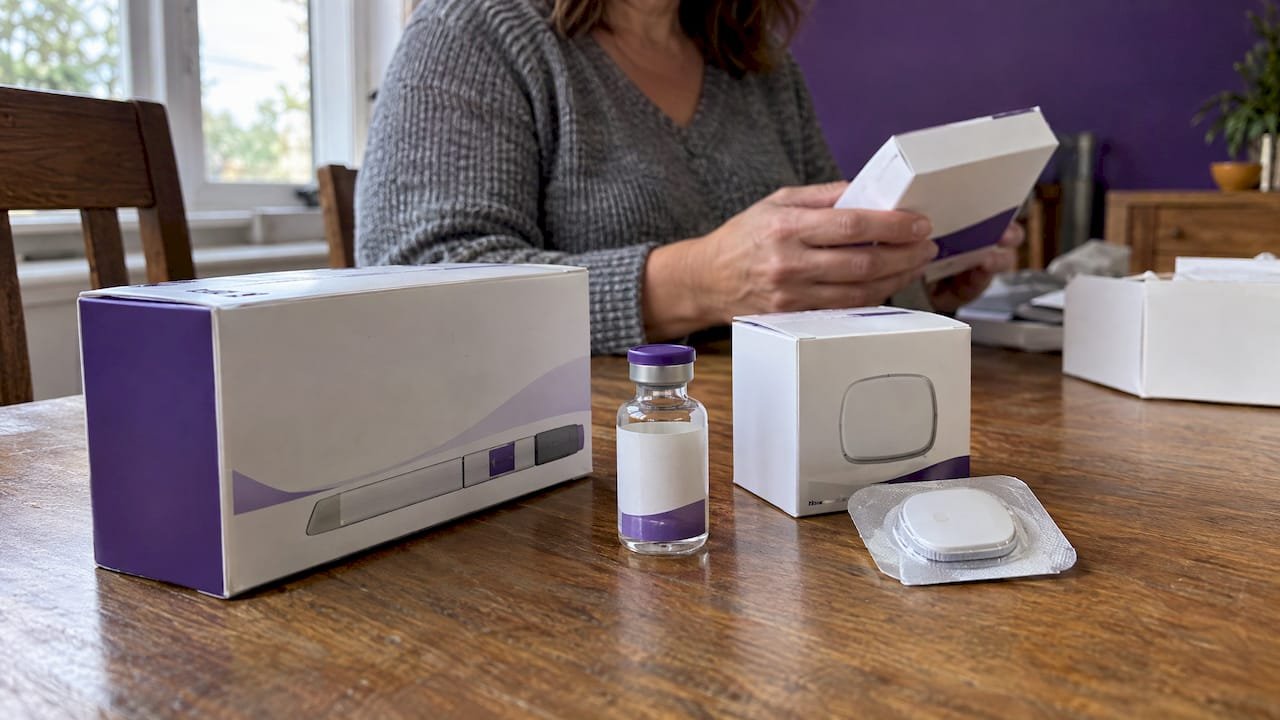
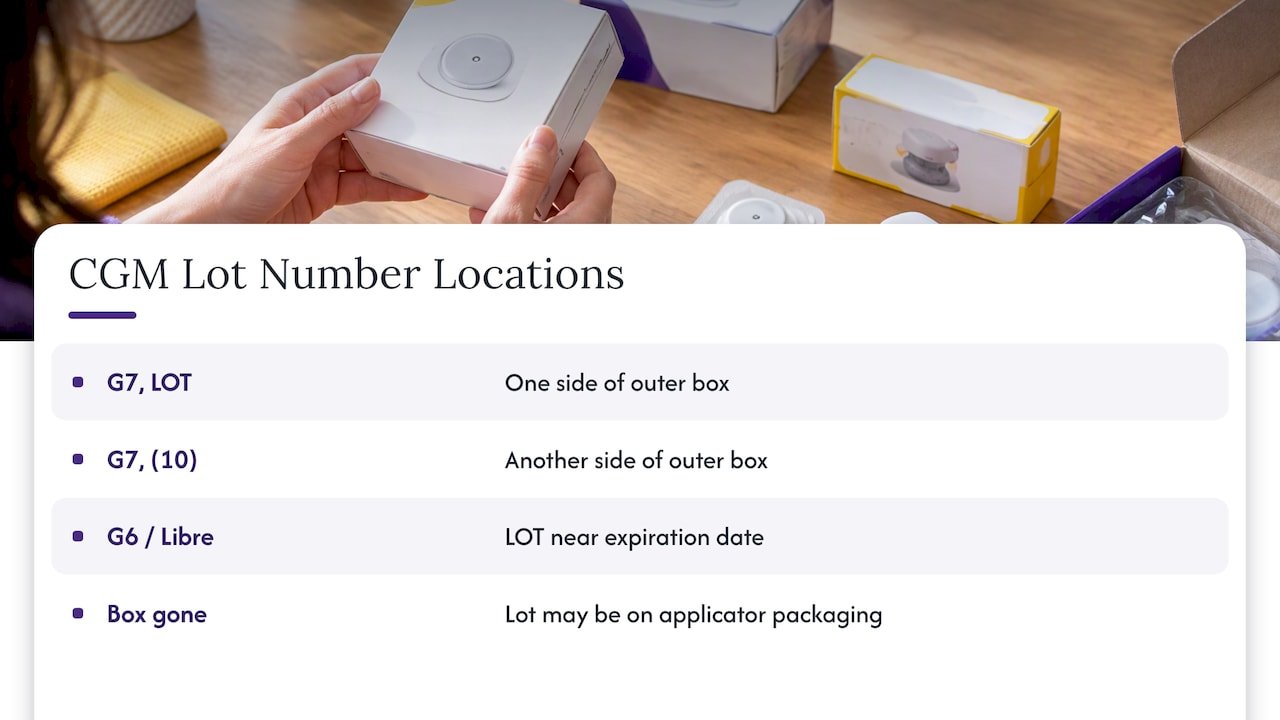
On Dexcom G7 sensors, the lot number is on the outer box. Regulators describe it as appearing after the label LOT on one side of the box, and after the code (10) on another side. Dexcom G6 and FreeStyle Libre boxes follow the same general pattern: a printed LOT line near the expiration date. If the box is gone, the code may also be on the sensor applicator packaging, but check your manufacturer’s instructions.
Omnipod pods
For affected Omnipod 5 Pods, the FDA says the lot number can be found on the Pod tray lid, the Pod box, or the Pod itself. That is three places, so if one label is smudged you may still be able to read another. Keep the box with the pods whenever you can.
Test strips
Strips carry a lot number and expiration date on the outer carton and on the vial or foil packet. Read the vial, not just the carton, because loose vials get separated from their boxes. If you use a meter that asks you to code or match strips, the number on the vial you are currently opening is the one that matters.
Syringes, pen needles and lancets
Boxes carry a REF (catalog) number, a LOT number and an expiry date. When you write a lot number down, copy it exactly as printed. Industry labeling guidance says to keep leading zeros, letters and punctuation as they appear. A missing zero can point you to the wrong batch.
Quick habit that saves time
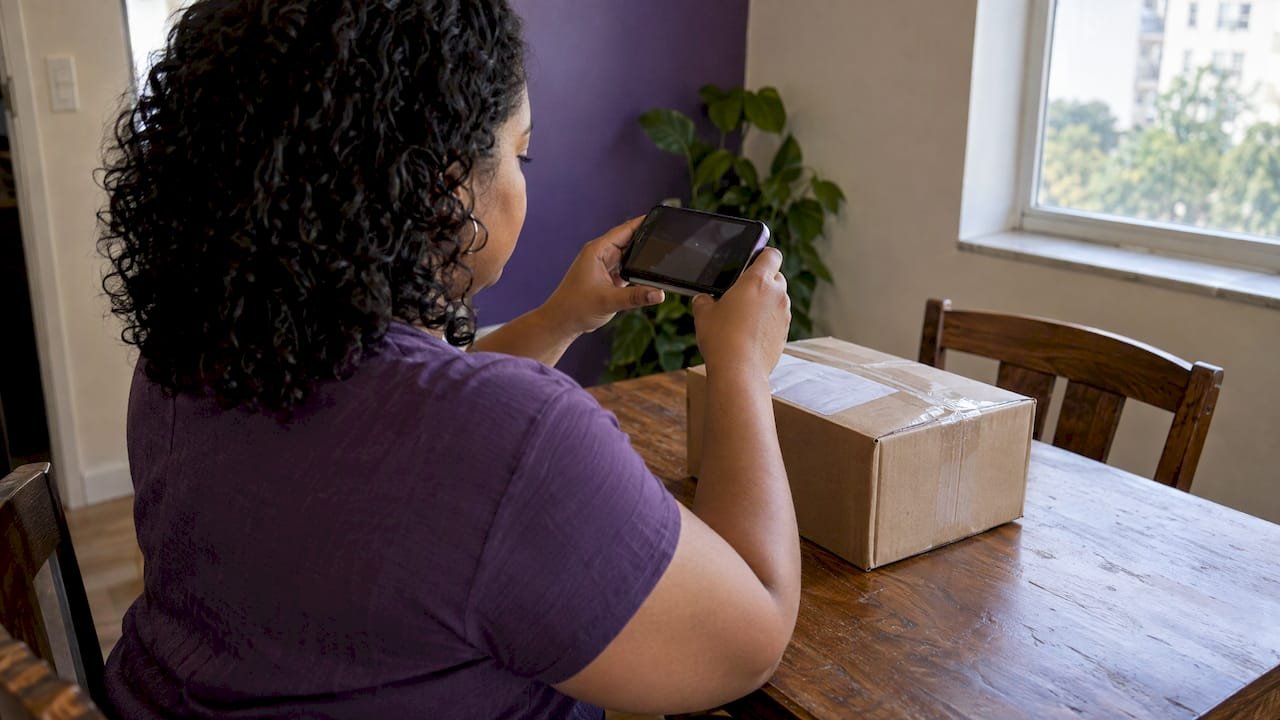
Take a clear photo of each box when it arrives, with the lot and expiration date readable. Store the photo in a folder on your phone. If the box is thrown out or the print fades, you still have the code.
Do lot numbers need to match?
Short answer: no for most supplies, with one important caution for strips.
Sensors, pods, infusion sets, lancets, syringes. Using one box and then opening another from a different lot is normal. Pharmacies and mail-order suppliers ship whatever lot is in stock, so two boxes from the same order may already differ. Each lot is made to the same specification. What matters is that each item is unexpired, sealed and not part of a recall.
Test strips. What must match is the strip and the meter, not one lot to another. The FDA says to use only the test strips specified for your meter. Other strips may give no result or an inaccurate one. Some meters ask you to enter a code when you open a new vial. If yours does, follow your meter’s manual for each new vial, and do not mix strips from two vials in one container.
The FDA also recommends buying new, unopened vials and using control solution regularly to confirm the meter and strips work well together. If a new lot ever gives readings that do not fit how you feel, run a control test and call the manufacturer or your care team.
Mixing within one device cycle. Do not combine parts from different packages in ways the instructions do not allow. A sensor, for example, is applied as a unit. If you are unsure whether two items can be used together, ask your pharmacist or the manufacturer’s support line.
How to check whether your lot is recalled
Recalls name products by codes, and lot codes are among the most common identifiers. The FDA’s guidance on recalls says to check the FDA recall information and the company’s notice, verify the product codes, and contact the company for more information.
Steps that work:
- Find the lot number and expiration date on the box.
- Search the manufacturer’s customer notices and the FDA’s medical device recall pages for your product name.
- Compare the full lot code, character by character.
- If it matches, stop using that item and follow the notice for replacement.
- If it does not match, keep the box and note that you checked.
Real examples
Recalls are specific about lots. For Omnipod, the FDA says to check Pods against the affected-lot list, not use affected Pods, and contact Insulet for replacements. It also notes that using supplies from an affected lot may lead to risks such as under-delivery of insulin. Insulin delivery is not something to guess about.
Dexcom has named G7 sensor lots 1725204004 and 1725069002 as affected, with instructions not to use them and a way to request replacements. Older test strip recalls worked the same way: the FDA’s record on a Nova Max strip recall identified affected lots by lot number and expiration date, and an Abbott strip recall record listed lot codes and said the firm notified customers and asked for returns.
A recall does not always mean throw it out
For medical devices, a recall does not always mean you must stop using or return the product. Sometimes it needs to be checked, adjusted or fixed, and the FDA says to contact your health care provider. Read the notice for your product. If it is unclear, call the company or your prescriber’s office before you decide.
What if the lot number is missing or unreadable?
A missing or smudged lot number is a problem for three reasons: you cannot check recalls, you cannot report an issue precisely, and a buyer cannot confirm what the product is.
Try this in order:
- Look for the code on every part of the package: box sides, tray lid, inner pouch, vial.
- Check your photos, pharmacy receipt or mail-order packing slip. Many list the lot or at least the order date.
- Call the pharmacy or supplier that filled the order. They keep records of what shipped.
- Contact the manufacturer with the product name, expiration date and where you got it.
If you cannot identify the lot at all and the product is for your own use, ask your pharmacist whether to replace it. Do not use a product you cannot verify for insulin delivery or glucose decisions. If the item is for sale, the next section applies.
Why lot numbers matter when you have extra supplies
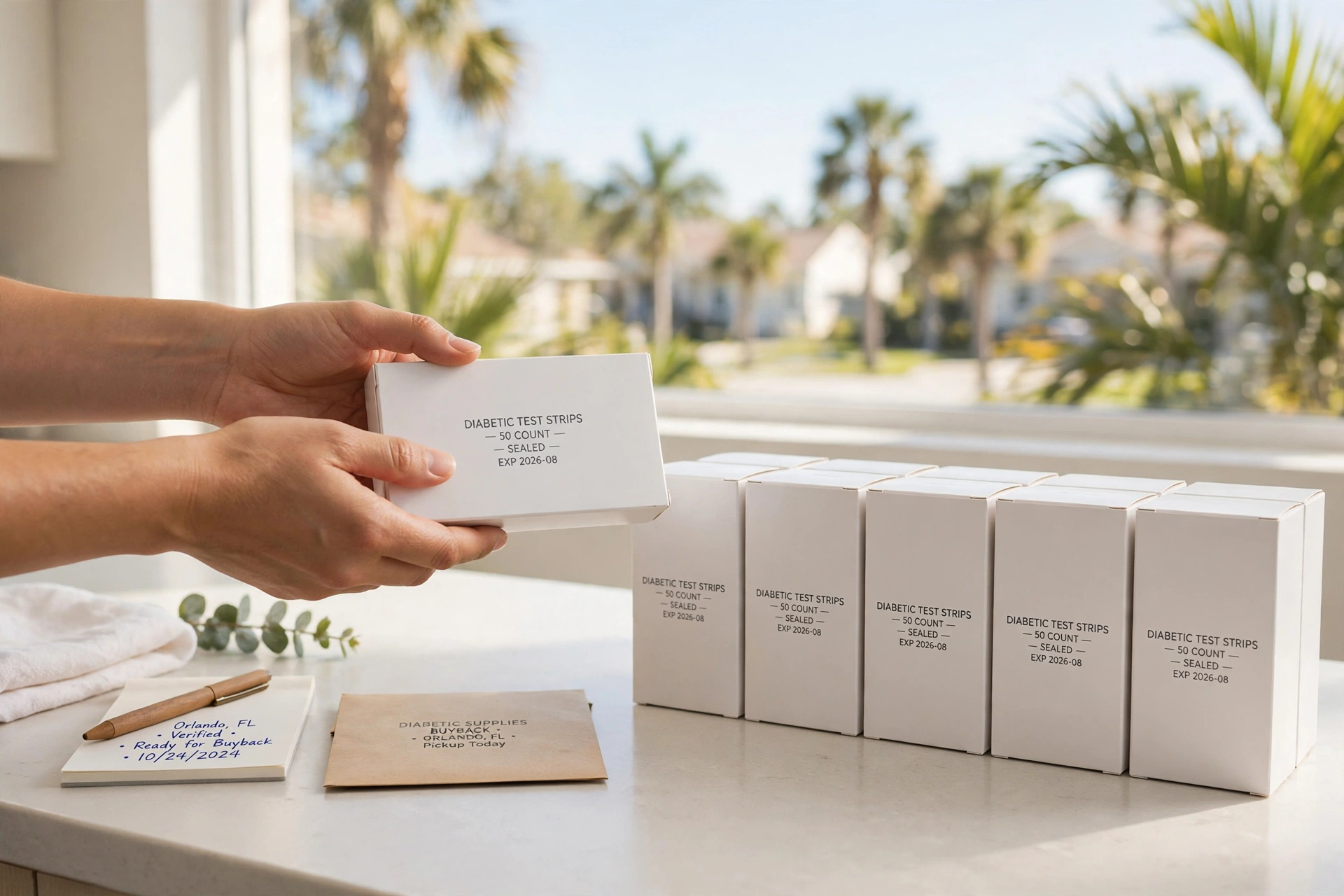
Insurance refills, prescription changes and device switches leave many people with sealed boxes they will never open. Maybe you moved from Dexcom G6 to G7, or from strips to a CGM. Those boxes are still worth something while they are unopened and unexpired.
Lot numbers help in three ways:
- Safety. You can confirm the box is not part of a recall before it goes to anyone else.
- Accuracy. A seller who can read the lot and expiration date makes inspection quick and clear.
- Record keeping. Pharmacies and distributors keep lot data so a problem can be traced. One compliance guide notes that dispensers must capture lot numbers when they appear in compliance documentation, and that lot data can help locate suspect product during an investigation.
The American Diabetes Association’s management plan template suggests you review expiration dates and quantities monthly and replace items before they expire. Lot checks fit into the same monthly routine. Our guides on a diabetes supply expiration date checklist and on how to organize unused diabetes equipment at home show how to set that up in about ten minutes.
If you also track your own numbers, how blood sugar monitoring supports your health is a good companion to a tidy supply shelf: good records on both sides make it easier to spot when something is off.
A simple monthly lot log
You do not need software. A note on your phone or a sheet of paper works:
| Item | Lot number | Expiration date | Sealed? | Recall checked |
|---|---|---|---|---|
| Example: sensor box | (copy exactly) | (month/year) | Yes | Yes |
Copy the code as printed. Update the last column whenever you hear about a recall for that product.
Check these before you sell unused supplies
Before you offer supplies for cash, run through this list:
- The box is sealed and not damaged, crushed or water-marked.
- The lot number and expiration date are readable.
- The lot is not on a recall notice for that product.
- The product is not expired. Expiration affects both eligibility and price, as we explain in how expiration date affects buyback price and in our guide to checking expiration before selling.
- The items are truly unused. Our page on what counts as an unused diabetic supply spells this out.
For pods, the expiration window matters as well. See what to check in Omnipod pods and the 24 month expiration rule before you plan a sale.
Our perspective
We see lot numbers every week, and we treat them as a trust tool, not paperwork. When someone brings in sealed boxes, the lot number and the expiration date are the first things we read together, because they tell us in seconds whether the box is what it should be.
Our approach is built on that. We meet locally in safe public places, inspect eligible supplies in person, and pay on the spot. Because we do not ship, you never have to wonder whether a box was damaged in transit or whether anyone checked it.
Our advice is simple. Do not throw sealed extras in a drawer and forget them. Photograph the labels, check for recalls, and keep the boxes in good condition. Supplies that are sealed, unexpired and clearly labeled are the ones we can make a fast, fair offer on, and the ones you can be most confident about.
Liliana
Sell your unused supplies for same-day cash in Orlando
If you have sealed, unexpired supplies you will not use, we buy them in Orlando and the surrounding area. We inspect in person and pay the same day. Current published ranges are $70-$90 per pack for unused Dexcom G7 sensors and $15-$20 per sensor for FreeStyle Libre 2. Final offers depend on what we find at inspection.
Not sure how it works? Our page on how to get cash for unused diabetic supplies walks through each step. You can also start from our main page and tell us what you have.
Reduce waste so fewer boxes expire
Most problems with lot numbers and expiration dates come from stock that sits too long. A few habits help:
- Ask your pharmacy or supplier to match refills to what you actually use.
- Use the oldest unexpired box first.
- Store supplies as the label says, away from heat and moisture.
- Review your shelf once a month.
For more, see our guides to managing diabetes supplies efficiently and reducing diabetes supply waste.
FAQ
Do lot numbers need to match between boxes of diabetic supplies?
No, not for most supplies. Sensors, pods, lancets and syringes from different lots can be used one after another as long as each is unexpired, sealed and not recalled. For test strips, the key is using the strip made for your meter, and following your meter’s manual if it asks you to enter a code for each new vial.
Where is the lot number on a Dexcom G7 box?
It is on the outer box, printed after the word LOT on one side. It also appears after the code (10) on another side. Compare the full code with the manufacturer’s notice if you are checking a recall.
Is a lot number the same as an expiration date?
No. The lot number identifies the production batch, while the expiration date is the last day the maker stands behind the product. You need both, and they should be read together when you check a recall, report a problem or sell supplies.
What should I do if my lot number is recalled?
Stop using the affected item and follow the instructions in the manufacturer’s notice. Contact the company about a replacement, and call your health care provider if the product delivers insulin or guides your treatment. Do not sell or give away a recalled product.
Can I sell diabetic supplies if I cannot read the lot number?
It is harder. A readable lot and expiration date let a buyer confirm the product quickly. If the label is damaged, check your photos, receipts or the pharmacy that filled the order, then contact us before you come in so we can tell you what we can accept.
Sources
- Insulin Pump Recall: Insulet Removes Certain Omnipod 5 Pods (FDA)
- FDA 101: Product Recalls (FDA)
- How to Safely Use Glucose Meters and Test Strips for Diabetes (FDA)
- Use Only the Test Strip Recommended for Your Meter (FDA)
- Class 1 Device Recall Nova Max Glucose Test Strips (FDA)
- Class 1 Device Recall Abbott Diabetes Care, MediSense Optium (FDA)
- Dexcom G7 Customer Notification
- Product Alert of Dexcom US G7 Sensors (Medsafe)
- BSCI Symbols Glossary (Boston Scientific)
- Lots and Serial Numbers (Finale Inventory)
- Insulin Syringe Box Label: REF, Lot, Expiry and UDI
- DSCSA Answers for Dispensers (TraceLink)
- Diabetes Medical Management Plan (American Diabetes Association)
- Why Track Blood Sugar? How Monitoring Empowers Health