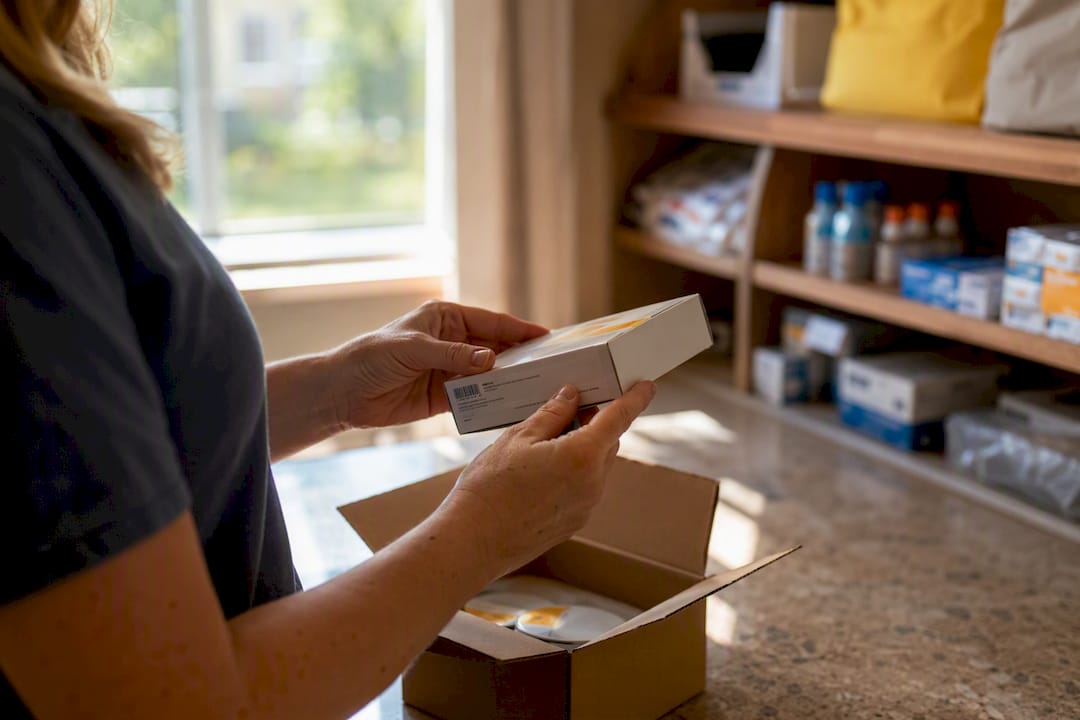
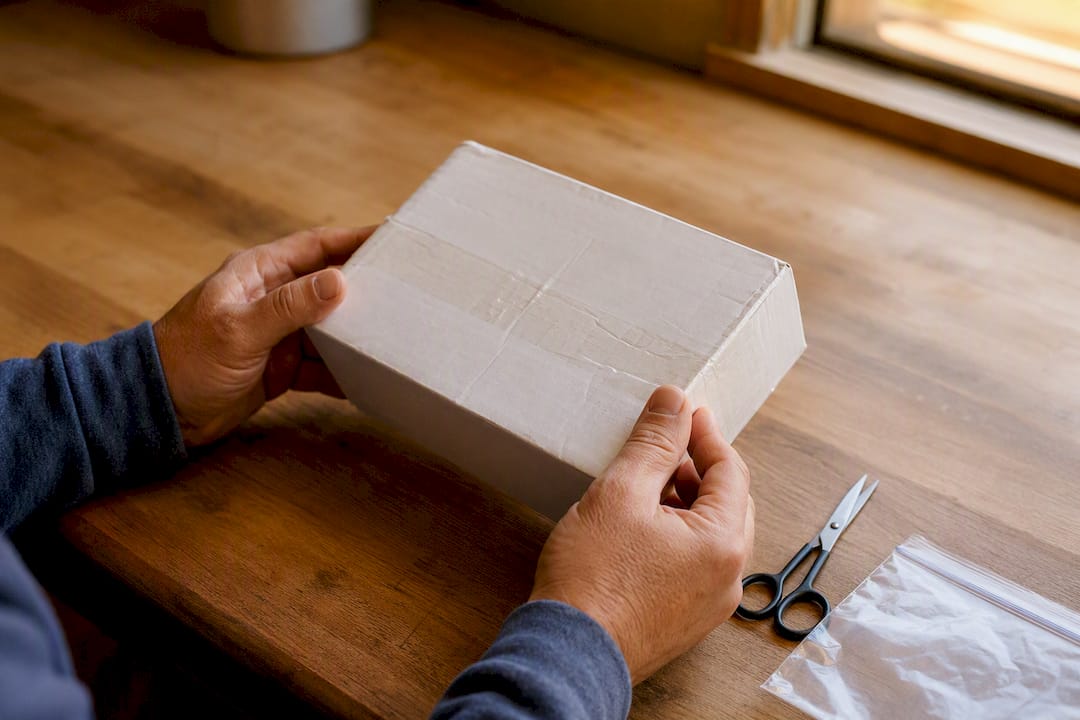
If your Dexcom damaged box shows up on your doorstep, call Dexcom Technical Support before you do anything else, especially if the sensor looks compromised or throws an error once applied. Cosmetic damage to the outer carton alone doesn’t automatically mean the sensor inside is unusable, but you still need to document everything and reach out if anything feels off. Before you dial, grab the sensor serial number and take clear photos.
TL;DR:
- Keep all packaging intact, photograph the damage with timestamps, and record the serial number before contacting Dexcom support within one to two days of receipt.
- Ensure the inner sterile pouch remains sealed and undamaged; do not use sensors with breached seals, as this invalidates sterility and safety.
- Report shipment damage promptly, especially during shortages, and be prepared with clear evidence; failure to act quickly can weaken your claim.
- Insurance or unused, unopened sensors can be sold quickly for cash at certified buyback services, provided the packaging and expiration date are valid.
- Damaged outer boxes do not void warranty, but activation of compromised sensors does, making inspection and proper reporting essential for coverage.
Table of Contents
- Immediate Checklist: What To Do The Moment You See A Damaged Dexcom Box Or Shipment
- How Dexcom’s Replacement And Returns Policy Actually Works
- Exactly What Evidence To Collect And How To Present It
- How To Contact Dexcom And What To Tell The Agent
- Is The Box Just Cosmetically Damaged, Or Is The Sensor Compromised?
- What To Do If Dexcom Supplies Are Backordered
- What Happens To Unopened, Sealed Dexcom Sensors You Don’t Need
- Direct Dexcom Shipments Vs. Third-Party Retailer Damage
- How To Securely Package And Return A Damaged Dexcom Product
- Does Dexcom Send A Replacement Automatically, Or Do You Need Approval First?
- Does Damaged Packaging Affect Warranty Coverage Or Activation?
- The Real Lesson Buried In Dexcom’s Damaged Box Policy
- Have Unopened Dexcom Sensors Sitting Around? Turn Them Into Cash
- Where To Verify Dexcom’s Official Policies And Contact Details
- Sources
Immediate Checklist: What To Do The Moment You See A Damaged Dexcom Box Or Shipment
Your first move should never be tossing the packaging in the trash. Here’s the order that actually protects your ability to get a replacement.
- Stop and preserve everything. Keep the outer shipping carton, the damaged product box, and the sealed inner pouch together, even if the pouch looks fine.
- Photograph before you touch anything else. Timestamped photos of the shipping box, the product carton, and the inner pouch (if still sealed) give Dexcom something concrete to review.
- Get the carrier on record. If the driver is still there, ask them to mark the delivery as “damaged” or “broken” in their scanner or paperwork. If it’s a mail carrier, screenshot any tracking notes that mention condition issues.
- Find your serial number. The SN is printed on the sensor box and often on the pouch itself. Note your order number or insurance claim details too.
- Write a one-paragraph summary. Cover what arrived, what looked wrong, and when you noticed it. This saves time once you’re on the phone or in chat.
- Do not discard the outer or inner packaging until Dexcom tells you it’s no longer needed.
- Do not apply a sensor if the box arrived crushed and you have any doubt about the inner seal.
- Do not wait more than a day or two to start this process.
Pro Tip: Take your photos against a plain background with the date visible on your phone’s screen in the same shot. It sounds small, but it removes any question about when the damage was noticed.
How Dexcom’s Replacement And Returns Policy Actually Works
Dexcom’s official sensor replacement policy commits to replacing sensors confirmed as product failures during the device’s intended wear life, across the G6, G7, G7 15 Day, and Dexcom ONE+ lines. That’s the core promise, and it applies without a strict cap once a failure is confirmed.
Not every damaged-box situation is a clean product failure, though. If a sensor fails for reasons outside a manufacturing defect, say, a shipping mishap that didn’t breach the sterile pouch but still worries you, Dexcom may still issue a courtesy replacement at its discretion. This is judged case by case, not guaranteed.
Some Dexcom returns pages spell out a tighter window for shipment damage specifically: report the issue promptly after receipt, and keep the original carton for inspection. Reporting quickly matters more than most people realize, because waiting too long to call weakens your case even when the damage was real.
What does Dexcom actually check during an investigation? Typically:
- Whether the sensor code, lot number, and SN match your account or purchase record.
- Whether the sensor applied and started a session, or failed before that point.
- Photos of the damage and any error codes shown on your receiver or app.
- Sometimes, a request to return the physical unit for inspection.
Have your answers ready before you call. It shortens the whole process.
Exactly What Evidence To Collect And How To Present It
A clean, organized ticket gets processed faster than a rushed one. Build your evidence around this checklist:
- Exterior shipping box: full view showing crushing, punctures, or water damage.
- Damaged product box: close-up of the specific tear, dent, or crush point.
- Sealed inner pouch: close-up shots showing whether the seal is intact or broken.
- Serial number label: a clear, in-focus photo of the SN printed on the packaging.
- Tracking label and delivery timestamp: screenshot from the carrier’s app or the label itself.
Ask the driver to note “damaged” on the delivery record while they’re still there. If that’s not possible, a screenshot of the carrier’s own tracking notes referencing condition problems works as a backup.
Once you have these, you’re ready to open a ticket through My Dexcom Account or bring them into a live chat session.
Pro Tip: Save every photo in one folder with filenames that include the date and time. When you’re asked to upload evidence, a single organized batch reads as far more credible than five scattered attachments.
How To Contact Dexcom And What To Tell The Agent
You have three real options for reaching Dexcom, and picking the right one depends on how urgent your situation is.
- Call Technical Support at 1-844-607-8398. This line runs 24/7, and it’s the fastest route if a sensor is actively showing errors or you’re worried about a suspected failed sensor.
- Use live chat through the Dexcom support page if you’d rather have a written record of the conversation, or if phone wait times are long.
- Submit a support ticket through My Dexcom Account when you want to attach photos directly and track the case over a few days.
Whichever route you pick, have this ready: the sensor SN, the delivery date, the carrier name, a short description of the damage, and a link or attachment for your photos. Dexcom typically opens an internal review, and depending on the outcome, either ships a replacement, requests the damaged unit back for inspection, or asks follow-up questions. Most people hear back within a few business days.
Is The Box Just Cosmetically Damaged, Or Is The Sensor Compromised?
This is the judgment call that trips people up the most, and getting it right matters for both safety and your claim.
If the inner sterile pouch looks fully intact, meaning no tears, punctures, or loose seals, the sensor is likely still safe to use. Apply it as usual, but watch closely for unusual error messages or a session that won’t start. Call support if anything looks wrong after application.
If the inner pouch shows any sign of a breach, don’t use that sensor. A torn seal, a puncture, or packaging that looks re-taped means sterility can’t be confirmed, and that’s not a risk worth taking. Contact Dexcom for a replacement instead of trying to work around it.
- Intact pouch, minor outer box damage: usually fine to use with normal caution.
- Torn, punctured, or resealed pouch: do not apply, contact support.
- Any doubt at all: treat it as compromised.
Pro Tip: Never attempt to “fix” a suspect seal with tape or your own resealing. That doesn’t restore sterility, and it can actually complicate a replacement claim because it looks like tampering.
What To Do If Dexcom Supplies Are Backordered
Supply strain isn’t hypothetical. Coverage in 2025 documented a national shortage affecting Dexcom G7 sensors, and Dexcom’s own guidance during that period pointed people toward Technical Support if a supplier showed a backorder.
If your replacement is delayed:
- Ask Dexcom directly whether an expedited shipment option exists for your case.
- Check with your pharmacy or DME supplier about alternate stock, since availability can vary by distributor even during a broader shortage.
- Fall back on fingerstick monitoring temporarily if your glucose management would otherwise be left uncovered.
Escalate if the delay stretches past what support originally quoted you, especially if it’s affecting your ability to manage glucose safely day to day.
What Happens To Unopened, Sealed Dexcom Sensors You Don’t Need
Not every damaged-box story ends with a replacement claim. Sometimes you end up with sealed, unused Dexcom G6 or G7 sensors sitting in a drawer, extras from an insurance change, a device switch, or a prescription adjustment, and the box itself is in fine shape. That’s a different situation entirely, and it’s where Orlando Diabetic Supplies Buyback offers a same-day cash option for unused Dexcom G7 sensors in the Orlando area.
This isn’t a substitute for a manufacturer replacement. If your sensor failed or the box arrived from Dexcom or a retailer damaged, that’s still a Dexcom Technical Support conversation. The buy-back applies only to sealed, unexpired stock you no longer plan to use.
What we check during an appointment:
- The outer seal and inner pouch, confirming nothing has been opened or tampered with.
- The expiration date printed on the box.
- Matching lot numbers between the box and any paperwork you bring.
| What to bring | Why it matters |
|---|---|
| Sealed sensor box | Confirms unopened, unused condition |
| Visible expiration date | Determines eligibility |
| Original packaging intact | Speeds up inspection |
Bring the sealed boxes as they are; no need to repackage anything for the appointment itself.
Direct Dexcom Shipments Vs. Third-Party Retailer Damage
Where your damaged box came from changes who you talk to first, and it’s worth sorting out before you start making calls.
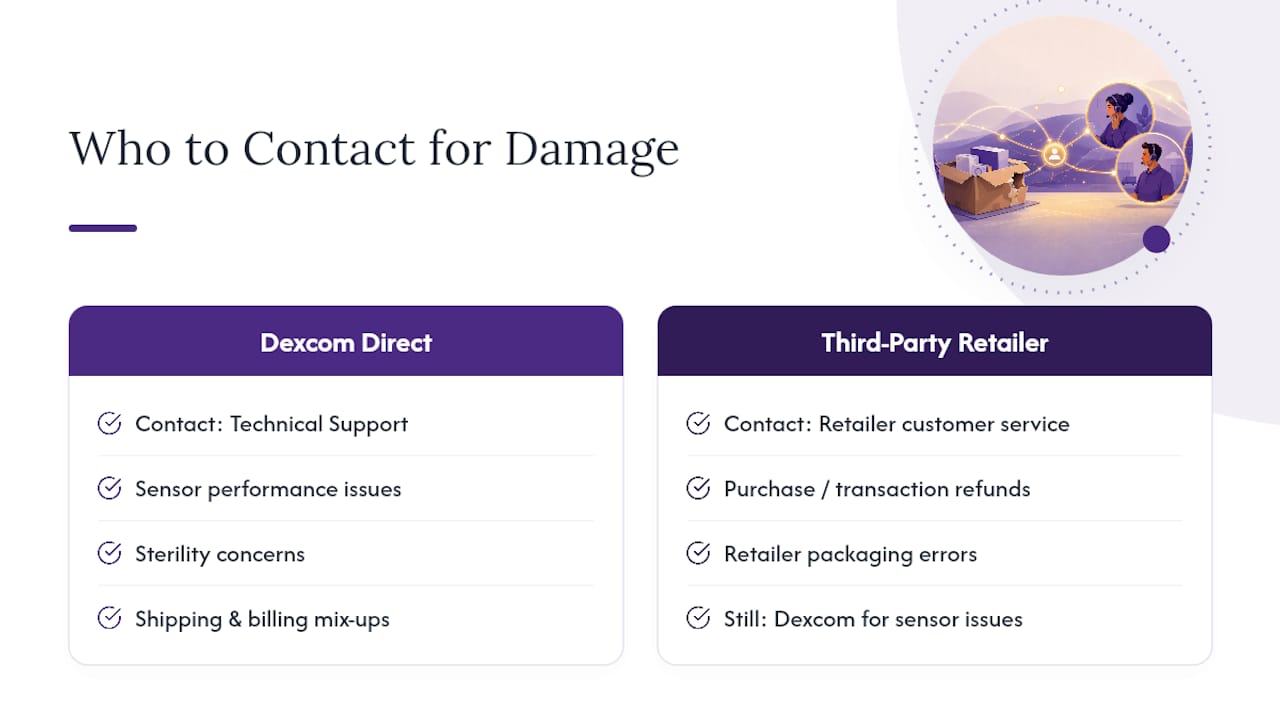
If Dexcom shipped the sensor to you directly, whether through your DME provider’s fulfillment or Dexcom’s own distribution, Technical Support is your primary contact. Dexcom already has your order on file, which usually makes the SN and purchase-date verification faster. Dexcom’s shipping and invoicing team also handles cases tied to enrollment or billing mix-ups that sometimes surface alongside shipment damage, like a box that arrived late and crushed because of a delivery routing error.
If you bought through a retail pharmacy or a third-party seller, the picture gets more layered. The retailer may have its own damaged-goods return window, often shorter than what Dexcom quotes, and separate from Dexcom’s manufacturer policy. In many cases, the fastest path is still Dexcom Technical Support for anything related to the sensor itself failing or the sterile pouch being compromised, since Dexcom controls the actual replacement decision regardless of where you purchased it. But if the box damage looks like it happened in the retailer’s own warehouse or checkout process, rather than during Dexcom’s shipping, the retailer’s customer service may need to be looped in for a refund on the transaction itself.
The practical rule: sensor performance and sterility issues go to Dexcom. Purchase-transaction problems, wrong item shipped, retailer packaging errors, go to wherever you bought it. When you’re not sure which applies, start with Dexcom. They can tell you quickly whether it’s their issue to resolve or one to take back to the retailer.
How To Securely Package And Return A Damaged Dexcom Product
If Dexcom asks you to send a damaged sensor or transmitter back for inspection, don’t just toss it in an envelope. A poorly packed return can get damaged further in transit, which muddies the investigation and can slow your replacement.
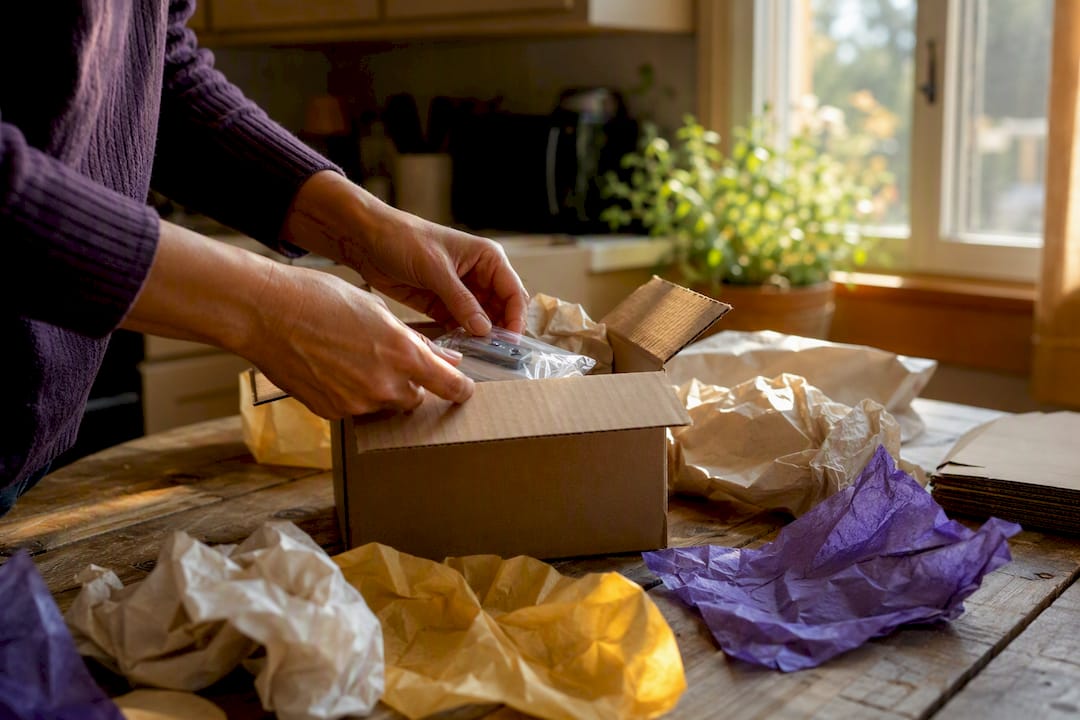
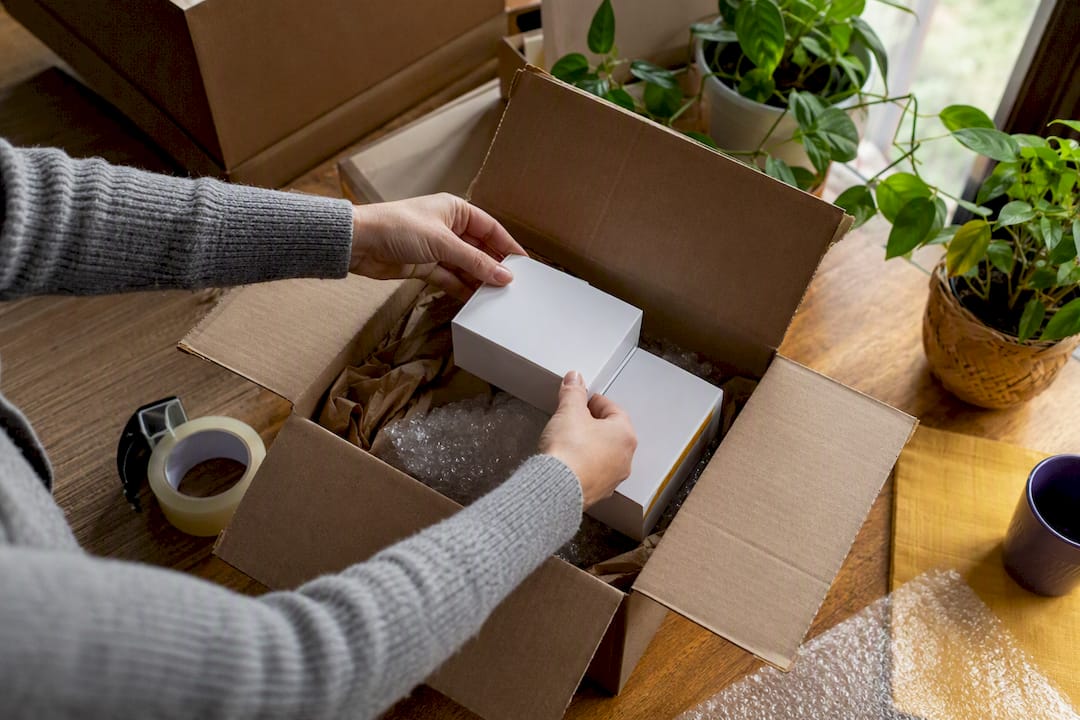
Start with the original box if you still have it. Dexcom’s packaging is designed to protect the sensor during shipping, so reusing it, inner pouch and foam inserts included, gives you the best protection with the least effort. If the original box was destroyed, use a small, sturdy box with enough padding (bubble wrap or crumpled paper) that the item can’t shift around inside.
Before sealing anything, take one more round of photos: the item as you’re about to pack it, and the sealed package with the shipping label attached. This closes the documentation loop in case anything happens between your hands and Dexcom’s inspection team.
A few practical steps:
- Include a printed copy of your case or ticket number inside the box, not just on the label.
- Use a trackable shipping method, since untracked returns are much harder to follow up on if something goes missing.
- Keep your own tracking number until you get confirmation the return was received.
- Don’t ship loose sensors rattling in an oversized box. That kind of movement can cause new damage that gets blamed on you rather than the original shipment.
Dexcom will typically provide a prepaid label or specific return instructions once your case is confirmed, so wait for that guidance rather than guessing at an address.
Does Dexcom Send A Replacement Automatically, Or Do You Need Approval First?
Replacement isn’t automatic the moment you report damage. Dexcom’s process runs through a review step first, even for cases that seem obviously legitimate.
Once you contact Technical Support and provide your SN, photos, and a description of what happened, an agent logs the case and typically makes a determination based on that initial information. For clear-cut situations, an outer box crushed in transit with no impact on the sensor’s performance and no sterility concern, Dexcom can often approve a replacement or address the issue during that same contact.
For anything less obvious, a sensor that applied but threw an early error, or damage that raises sterility questions, Dexcom may ask for the returned unit before finalizing a replacement shipment. That’s not a sign they’re doubting you. It’s part of how they track manufacturing quality across batches, which is also why keeping your carton and lot numbers matters.
Approval, in practice, usually happens during your first contact or within the following few business days, once an agent has reviewed your evidence. You typically won’t need to submit a separate written request beyond your initial ticket or call. If your case involves a supply backorder rather than a straightforward failure, expect the timeline to stretch further, since replacement stock has to be available before anything ships.
Does Damaged Packaging Affect Warranty Coverage Or Activation?
A crushed outer box, on its own, does not void your sensor’s eligibility for coverage under Dexcom’s replacement policy. The policy is built around confirmed product failures, not the cosmetic condition of the box it arrived in.
Where things get more complicated is activation. If the inner sterile pouch was breached, meaning torn, punctured, or showing signs of being opened and resealed, and you go ahead and apply the sensor anyway, you’re taking on a real risk around sterility and potential sensor accuracy. That’s a safety issue first, but it also complicates any later claim, since Dexcom’s investigation may not be able to separate a genuine manufacturing defect from damage introduced by using a compromised unit.
The safest path when packaging looks even slightly questionable: don’t activate it, document it, and let Dexcom make the replacement call before you try to start a session. That keeps your warranty standing clean and keeps you from wearing a sensor you can’t fully trust.
The Real Lesson Buried In Dexcom’s Damaged Box Policy
Most guidance on this topic treats a damaged box like a paperwork problem: take a picture, call a number, wait for a replacement. That’s not wrong, but it undersells the actual judgment call sitting at the center of it, whether the inner pouch is truly sterile. That’s the decision that matters most, and it’s the one people rush past because they’re focused on getting a working sensor back on their arm fast.
The conventional advice also underplays how much timing affects outcomes. Reporting within that first short window, especially given the four-day language some Dexcom pages use, puts you in a much stronger position than calling a week later after deciding to “wait and see.” Waiting rarely helps and often costs you leverage.
If there’s one thing to prioritize above the checklist itself, it’s this: treat any doubt about the inner seal as a stop sign, not a maybe. Everything else, the photos, the SN, the carrier note, exists to support that one safety decision.
— Liliana
Have Unopened Dexcom Sensors Sitting Around? Turn Them Into Cash
Orlando Diabetic Supplies Buyback gives you a faster path than storing extra sensors in a drawer or letting them expire unused: same-day cash, paid in person, for sealed Dexcom G6 and G7 boxes you no longer need.

We accept sealed, unexpired Dexcom sensors along with other unopened diabetic supplies like Freestyle Libre and Omnipod. Payment happens on the spot, either in cash or through instant electronic transfer, once we’ve confirmed the seal and expiration date in person. There’s no shipping, no waiting on a check, and no middleman marking up the process.
Getting started is simple. Check what qualifies on our guide to accepted sealed products, then reach out to schedule your in-person inspection. If you’re ready to see what your unused Dexcom supplies are worth, visit our page on how to get cash for unused diabetic supplies and take the first step toward turning that surplus into money in your pocket today.
Where To Verify Dexcom’s Official Policies And Contact Details
A few official pages are worth bookmarking before you ever need them.
- Dexcom’s sensor replacement policy spells out exactly what qualifies for replacement and under what product lines: Sensor Replacement Policy.
- Dexcom’s support hub lists phone, live chat, and My Dexcom Account options: Dexcom Support.
- Dexcom’s returns guidance covers reporting windows and carton requirements for damaged shipments: Returns Issue FAQ.
- News coverage on 2025 supply issues explains the backorder context referenced earlier: FOX21 News Colorado.
This article is general information, not a substitute for advice from a qualified doctor. Consult a qualified healthcare professional about your own circumstances before acting on anything here.
Sources
- Sensor Replacement Policy for Dexcom CGM Products | Dexcom
- Dexcom CGM Support & Technical Product Support | Dexcom
- Dexcom diabetes monitoring device facing national shortage | FOX21 News Colorado
Recommended
- Can You Sell Dexcom G7 Sensors? – Orlando Diabetic Supplies
- Cash for Dexcom G7 Sensors in Orlando | Sell Unused Supplies – Orlando Diabetic Supplies
- Same-Day Cash for Dexcom G7 in Orlando | Sell Sensors Locally – Orlando Diabetic Supplies
- Cash for Dexcom G7: Sell Unused Sensors in Orlando (2026) – Orlando Diabetic Supplies